
Hexacoder Technologies

Heavy equipment

3D heavy equipment visualizer for
machinery built around your buyers' needs

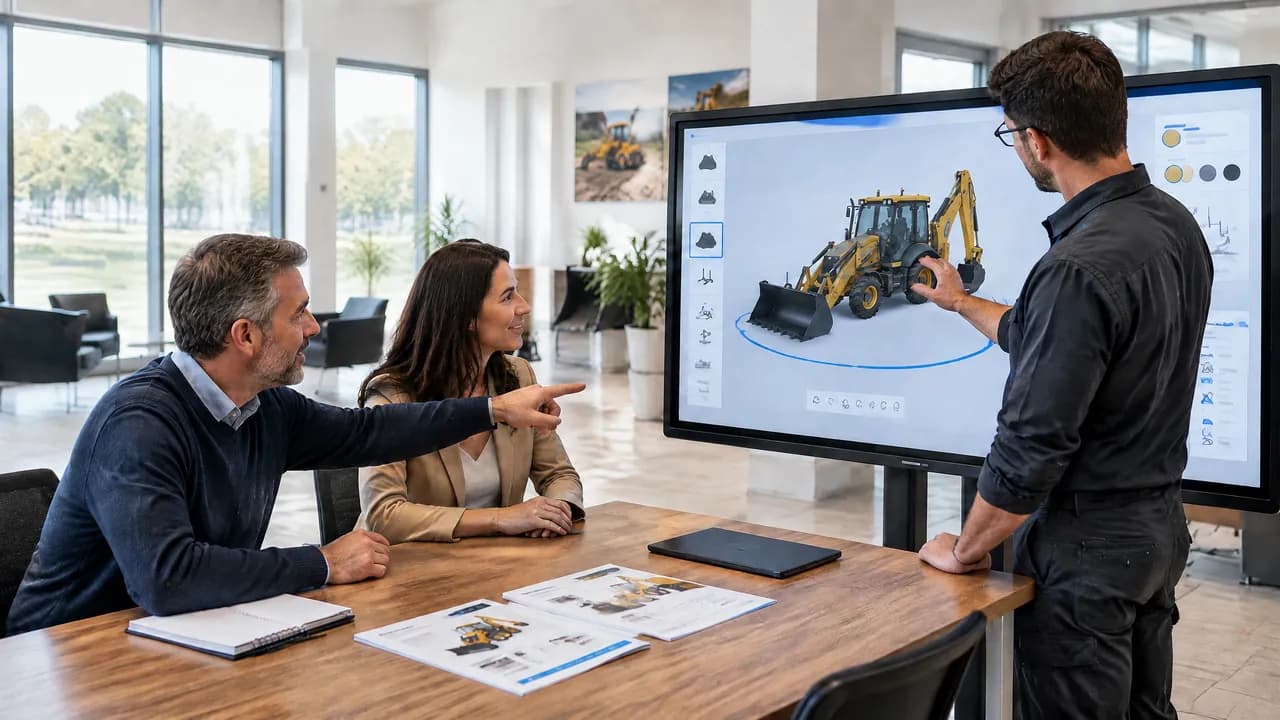
HexaCoder builds custom 3D heavy equipment visualizers that let buyers explore machinery models, attachments, specifications, and configurations in real time, while simplifying product selection and quoting.

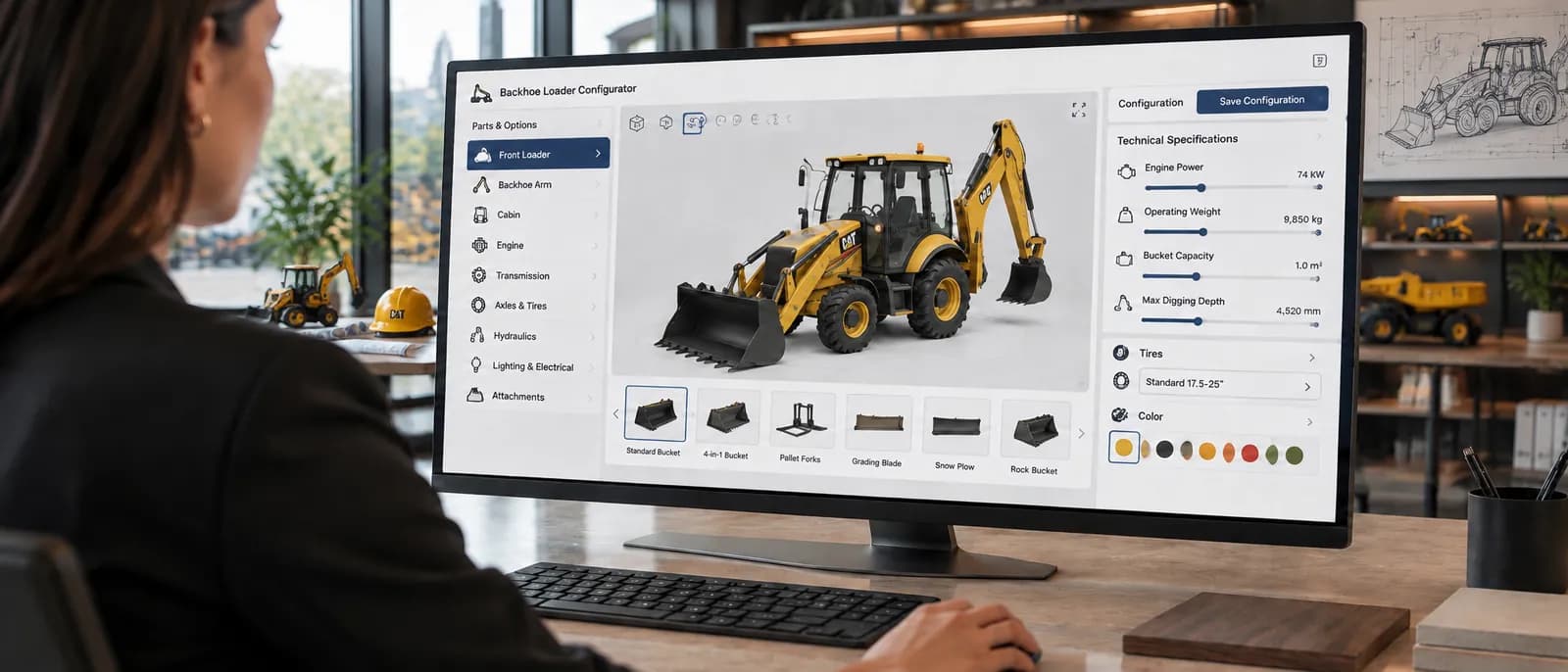
Woman at a desk using a 3D backhoe loader configurator on a monitor, with parts and options, technical specifications, attachments, and color choices

Heavy equipment products

Every machine has a job.
Help buyers configure it right.

From trucks to backhoe loaders, every machine has different components, capacities, and specifications. We build 3D configuration experiences tailored to each equipment type.

Why 3D

A machinery catalog can
only show so much.

Product photos can't show every combination of attachments, components, and specifications. With an interactive 3D configurator for heavy machinery, buyers can explore available options and see how their machine will look.

The problem

With traditional equipment images

  • Buyers rely on a limited set of machine views.
  • Different configurations may require separate product images.
  • Some equipment specifications are difficult to visualize.
  • Buyers may need to contact your team to confirm available combinations.
The solution

With a 3D equipment configurator

  • Buyers explore supported machinery configurations.
  • Attachments, components, and options change as selections are made.
  • Different views help buyers inspect equipment details.
  • The selected configuration can be captured for the next buying step.

How it works

From a standard machine to
a configuration ready to quote.

Configuring complex machinery should be simple. A 3D heavy equipment configurator for manufacturers lets buyers select compatible components, explore specifications, and visualize their equipment in real time.

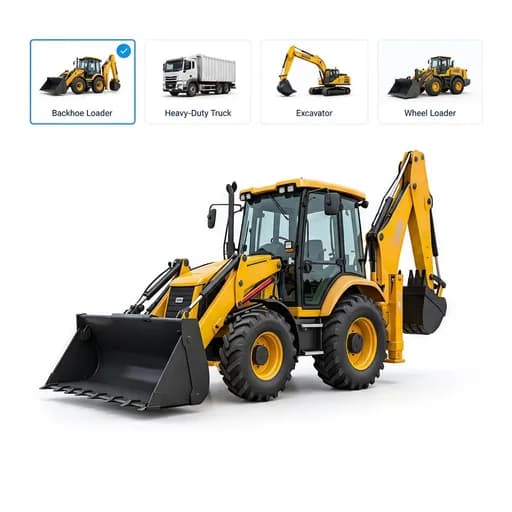
  1. Machine picker showing backhoe loader, heavy duty truck, excavator, and wheel loader options above a backhoe loader

    Start with the machine

    Buyers select a truck or backhoe loader from your available equipment collection.

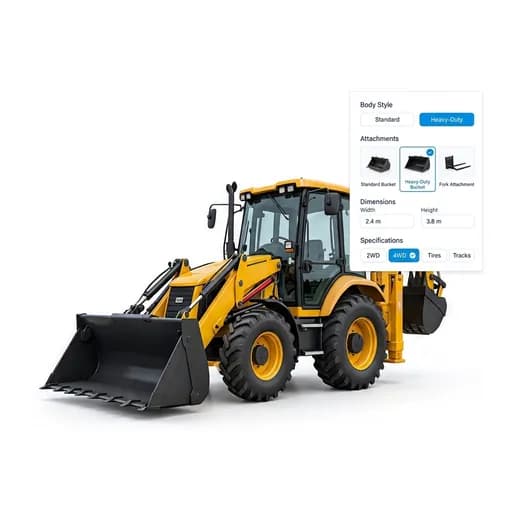
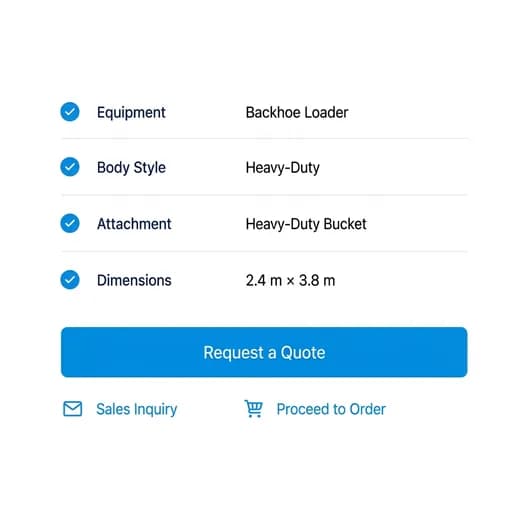
  2. Backhoe loader beside a panel with body style, attachment, dimension, and specification options

    Customize equipment

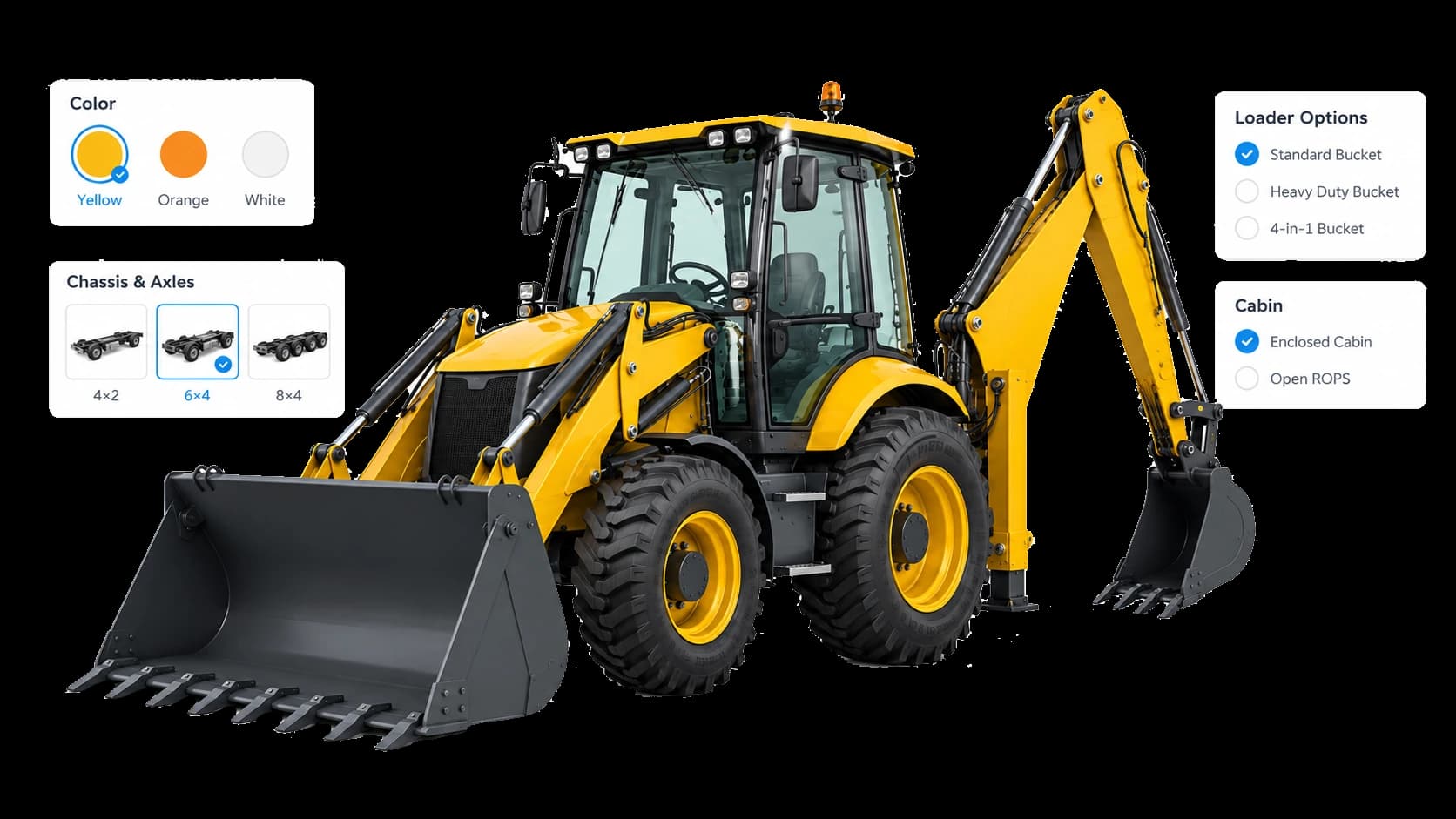
    Configure body styles, attachments, dimensions, and supported machinery specifications.

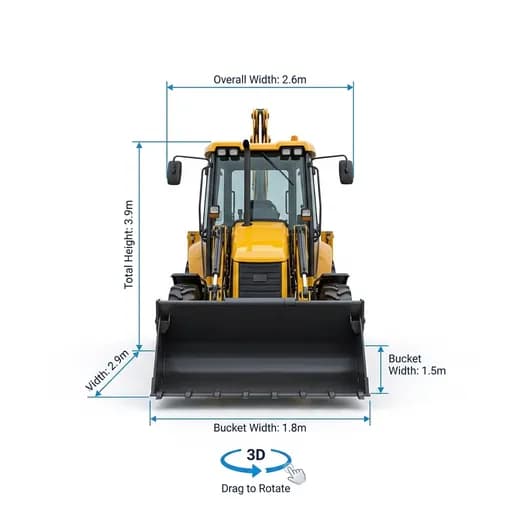
  3. Front view of a backhoe loader with overall width, total height, and bucket dimensions marked and a drag to rotate 3D control

    See every change

    View changes in real time, rotate the machine, and inspect configuration details in 3D.

  4. Configuration summary for a heavy-duty backhoe loader with a request a quote button, a sales inquiry link, and a proceed to order link

    Review and move forward

    Review the selected equipment and proceed to quotation, sales inquiry, or ordering.

Customization capabilities

Give buyers the options that matter to your machines.

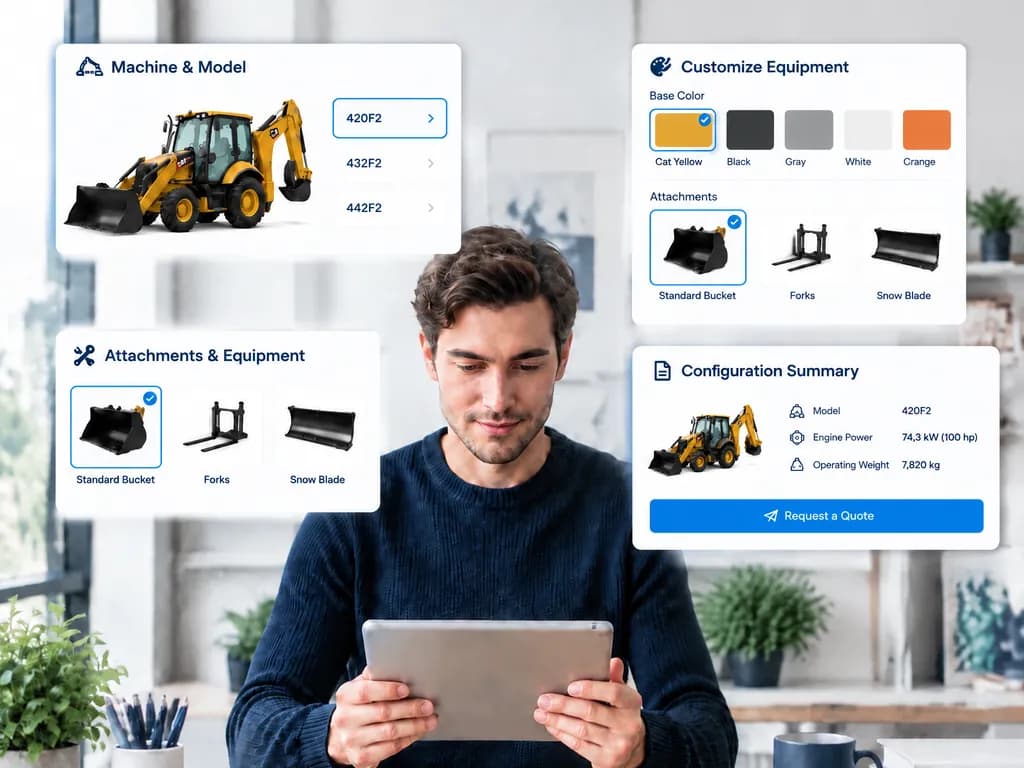
Not every machine needs the same configuration controls. The right experience should reflect your equipment collection rather than present buyers with options that don't apply.

Man holding a tablet surrounded by machine and model, equipment customization, attachments, and configuration summary panels for a backhoe loader
  • Attachments and implements

    Let buyers explore compatible buckets, loader tools, and other supported attachments.

  • Machine components and specifications

    Show available cabin options, chassis types, tires, booms, and supported components.

  • Dimensions and capacities

    Let buyers review truck body sizes, equipment dimensions, load capacities, and available configurations.

  • Product-specific equipment options

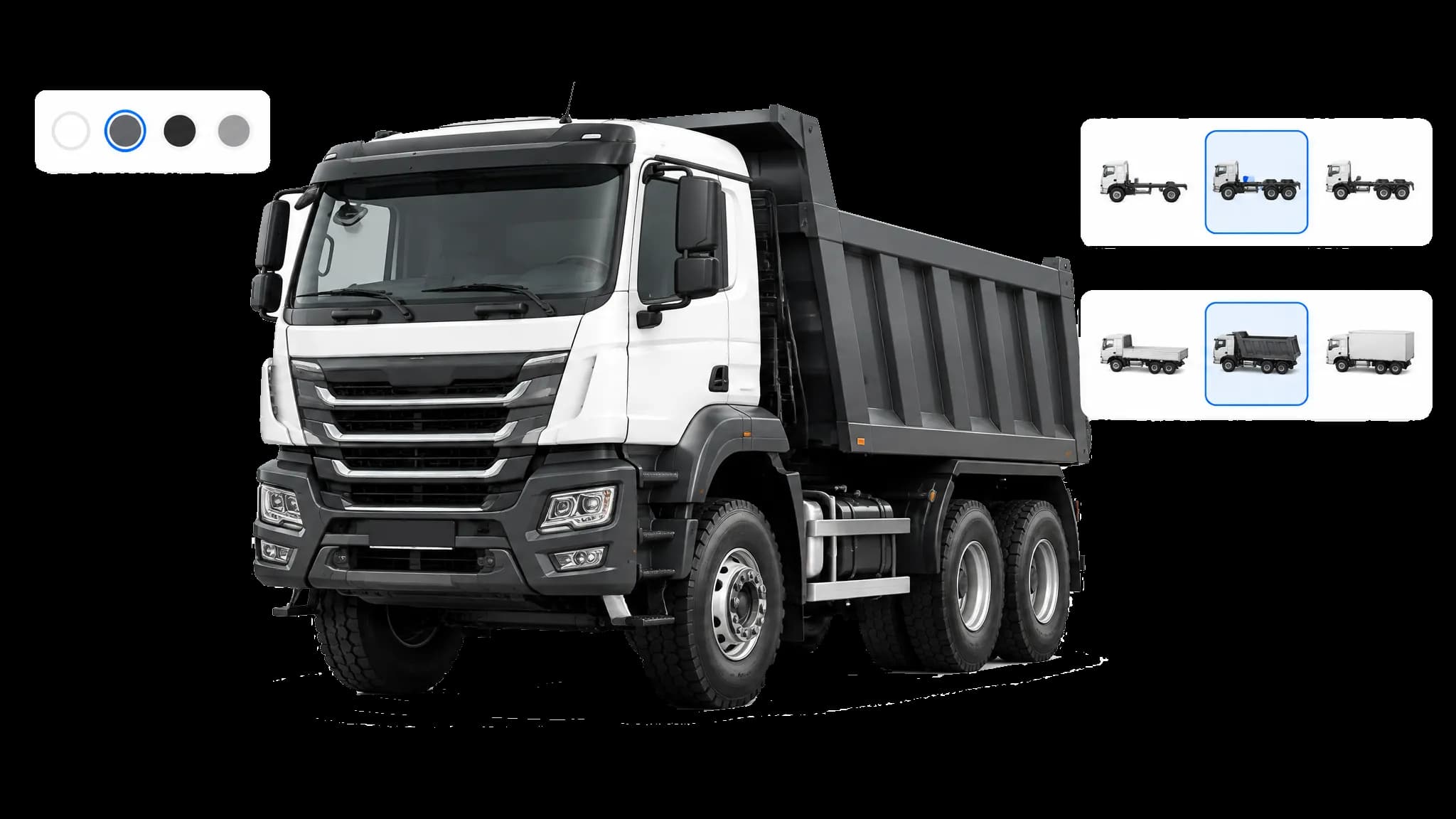
    Customize supported areas such as truck bodies, cabins, loader arms, and backhoe attachments.

  • Guided product options

    Guide buyers through available specifications, compatible components, and valid combinations.

  • Configuration-based pricing

    Update prices based on selected components, attachments, and equipment options.

Features for your business

A better equipment buying experience needs more than a 3D preview.

HexaCoder builds bespoke industrial equipment configurator solutions that connect machinery visualization with product specifications, configuration rules, and your existing sales workflows.

  • Visual CPQ

    Make complex machinery easier to configure, price, and quote.

    Industrial equipment configuration software with automated quoting connects machine specifications, attachments, and product rules with pricing to simplify quotation workflows.

  • Modular configurator

    Let buyers combine compatible machine components and attachments.

    For equipment with interchangeable elements, a modular configurator can guide selections such as truck bodies, loader buckets, booms, and other supported components.

  • 3D Data Management

    Keep your equipment collection organized as it grows.

    Manage the 3D models, materials, and variations behind your machinery experiences, including updates to existing equipment and new product models.

  • AI Visual Commerce

    Help buyers explore equipment that matches their requirements.

    AI-assisted visual commerce can support machinery discovery and exploration, with capabilities defined around your product catalog and equipment selection process.

Have heavy equipment you'd like buyers to configure?

Tell us what machinery you manufacture and which specifications your buyers should be able to change.We'll discuss how a construction equipment configurator could work with your products, your website, and the way you handle quotations.

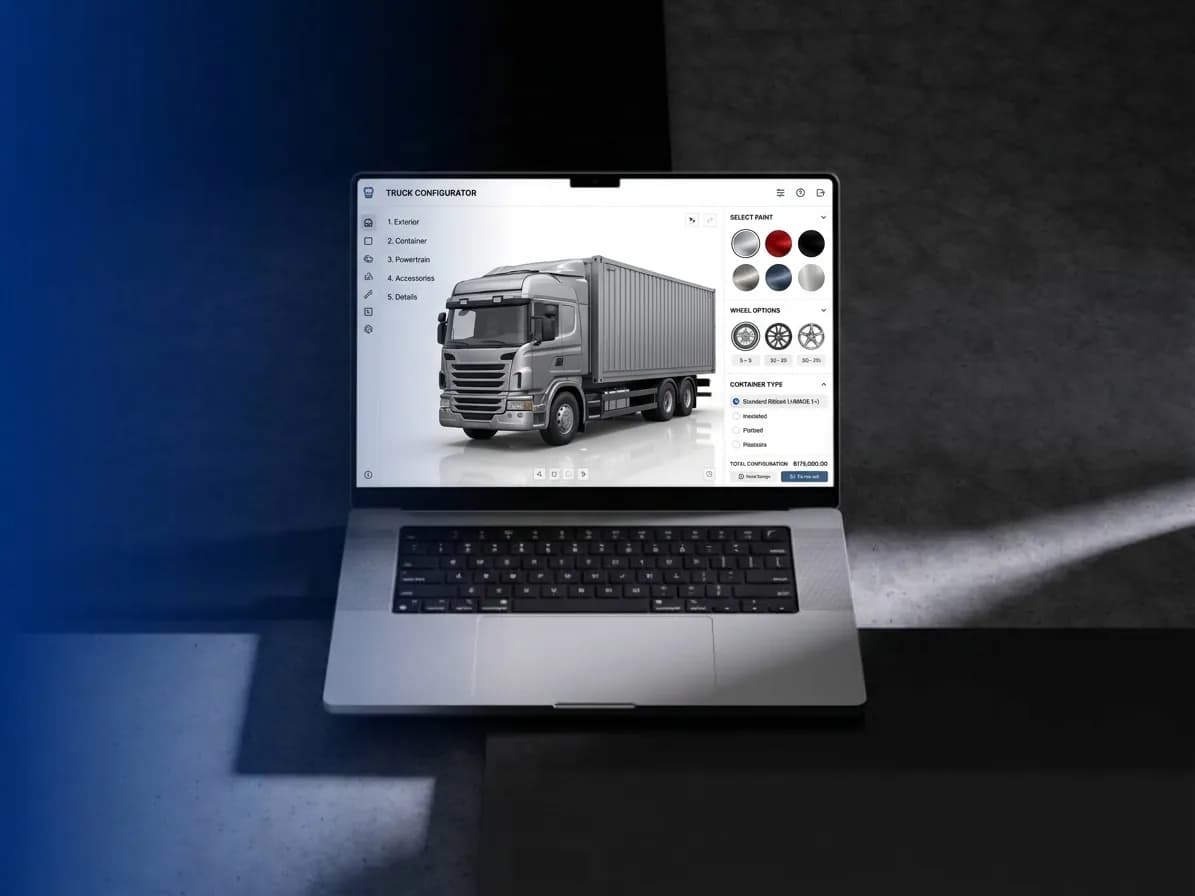
Laptop showing a 3D truck configurator with a container truck and paint, wheel, and container type options

FAQs

Frequently asked questions

Start growing your business