
Hexacoder Technologies

3D product configurator for manufacturers

Configure complex products, validate technical requirements, and connect sales with production using a custom 3D product configurator built around your manufacturing workflows.

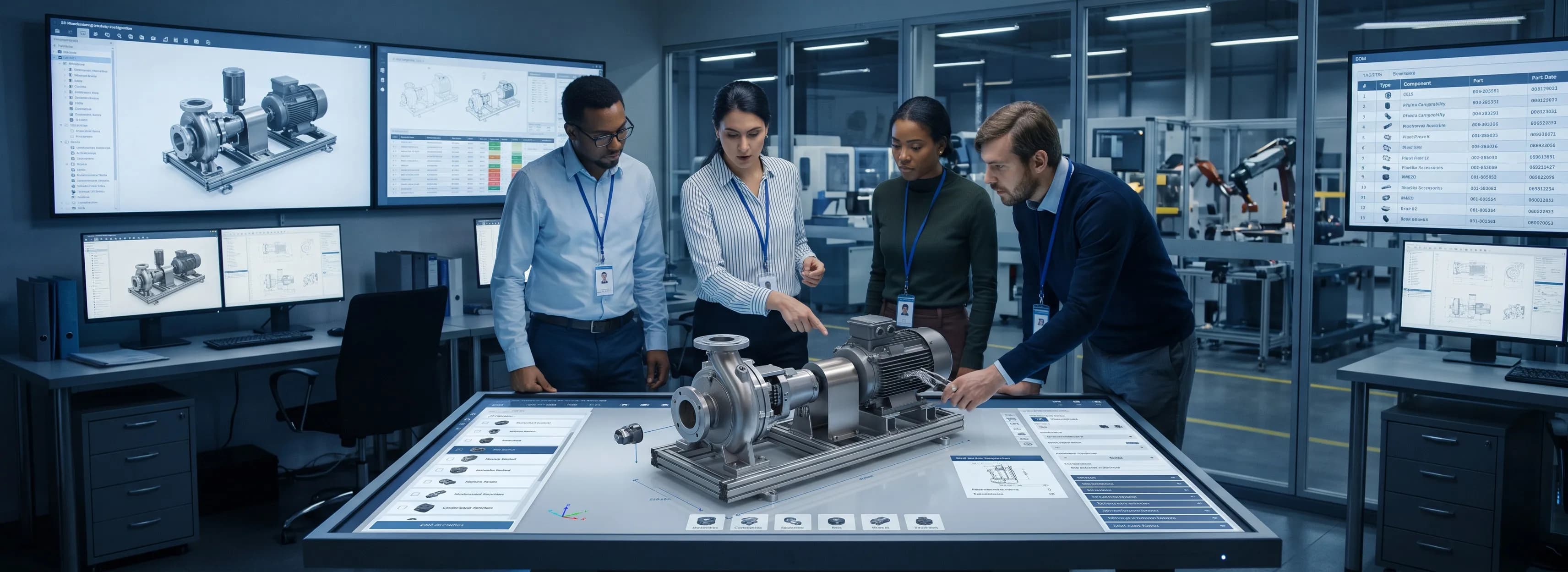
Four engineers around a touchscreen table configuring an industrial pump assembly in 3D, with CAD models and a bill of materials on the screens behind them

Challenges

Common challenges in configuring complex manufactured products

Manufacturing products often involve technical specifications, dependent components, and complex pricing structures. When these details are managed manually, even a small configuration mistake can create problems across sales, engineering, and production.

  • Too many product combinations

    A single product may have hundreds of possible variations involving dimensions, materials, components, and optional features. Managing these combinations through spreadsheets or disconnected systems makes product selection difficult.

  • Incompatible component selections

    Not every part works with every product configuration. Without defined compatibility checks, sales teams may select components that cannot be assembled together or do not meet technical requirements.

  • Repeated engineering approvals

    Sales representatives often depend on engineering teams to confirm whether requested product combinations are feasible. Frequent checks can delay quotations and interrupt engineers working on other priorities.

  • Complex pricing and quotations

    Manufacturing prices may depend on dimensions, materials, quantities, components, and customer-specific conditions. Manual calculations increase the risk of inconsistent estimates and missing costs.

  • Disconnected sales and production data

    Product specifications collected during sales may need to be entered again into ERP, engineering, or production systems. These manual handoffs can introduce errors and create uncertainty about the approved configuration.

Our solution

What our manufacturing product configurator can do for you

HexaCoder develops custom manufacturing product configurators that help teams manage complex product selections through an interactive 3D experience. Configuration rules, pricing workflows, and connected product information support the process from initial requirements to an approved order.

  • Configure complex products visually

    Allow users to assemble and customize manufactured products using an interactive 3D model. Product options become easier to understand when selections can be viewed in the context of the complete assembly.

  • Guide technical product selection

    Present relevant components and specifications based on the selected product. Guided configuration helps users navigate complex catalogs without requiring detailed knowledge of every available combination.

  • Validate product combinations

    Apply predefined engineering and compatibility rules during configuration. Known invalid combinations can be blocked before they reach the quotation or order stage.

  • Prepare accurate product quotations

    Connect the selected configuration with Visual CPQ workflows so sales teams can prepare quotations using approved product options and applicable pricing information.

  • Capture complete product specifications

    Record the components, dimensions, materials, and other configuration details needed to describe the selected product. This creates a structured reference for subsequent review and processing.

  • Support sales-to-production handoffs

    Make approved configuration information available to connected business systems, reducing the need to manually recreate product specifications after an order is confirmed.

Key features

Key features of our 3D configurator for manufacturing

Manufacturing configuration requires more than interactive product visualization. HexaCoder develops technical capabilities that reflect product dependencies, engineering requirements, and the information needed by downstream systems.

  • Advanced product rule engine

    Define conditional logic, required components, configuration restrictions, and product dependencies. The rule engine evaluates selections against the requirements established for each product family.

  • Component compatibility management

    Control which parts, accessories, and assemblies can be used together. Compatibility rules can account for product models, component types, and supported assembly structures.

  • Dimensional and specification validation

    Check selected measurements and technical parameters against configured limits. Validation can account for supported sizes, allowable ranges, and relationships between product dimensions.

  • Configurable bill of materials

    Generate structured BOM information from approved product selections when the required component mappings and manufacturing data are available. Outputs can include quantities, part references, and relevant assembly information.

  • Manufacturing pricing logic

    Support calculations involving materials, components, dimensions, quantities, and other defined cost or pricing factors. Pricing rules can be connected to existing systems where required.

  • Approval and exception workflows

    Route configurations requiring additional review to authorized teams. Approval conditions can be defined for special components, nonstandard requests, or other cases outside the standard configuration process.

  • Reusable product structures

    Organize product families, components, and option groups into reusable configuration structures. This can simplify the maintenance of related products that share common parts or rules.

  • Configuration records and revisions

    Maintain configuration identifiers, selected specifications, and revision information so teams can reference the correct product version during quotation, approval, and order processing.

How it works

How manufacturing product configuration works from sales to production

A connected configuration workflow helps sales teams capture requirements, confirm supported combinations, and prepare information for manufacturing without repeatedly rebuilding the same product specification.

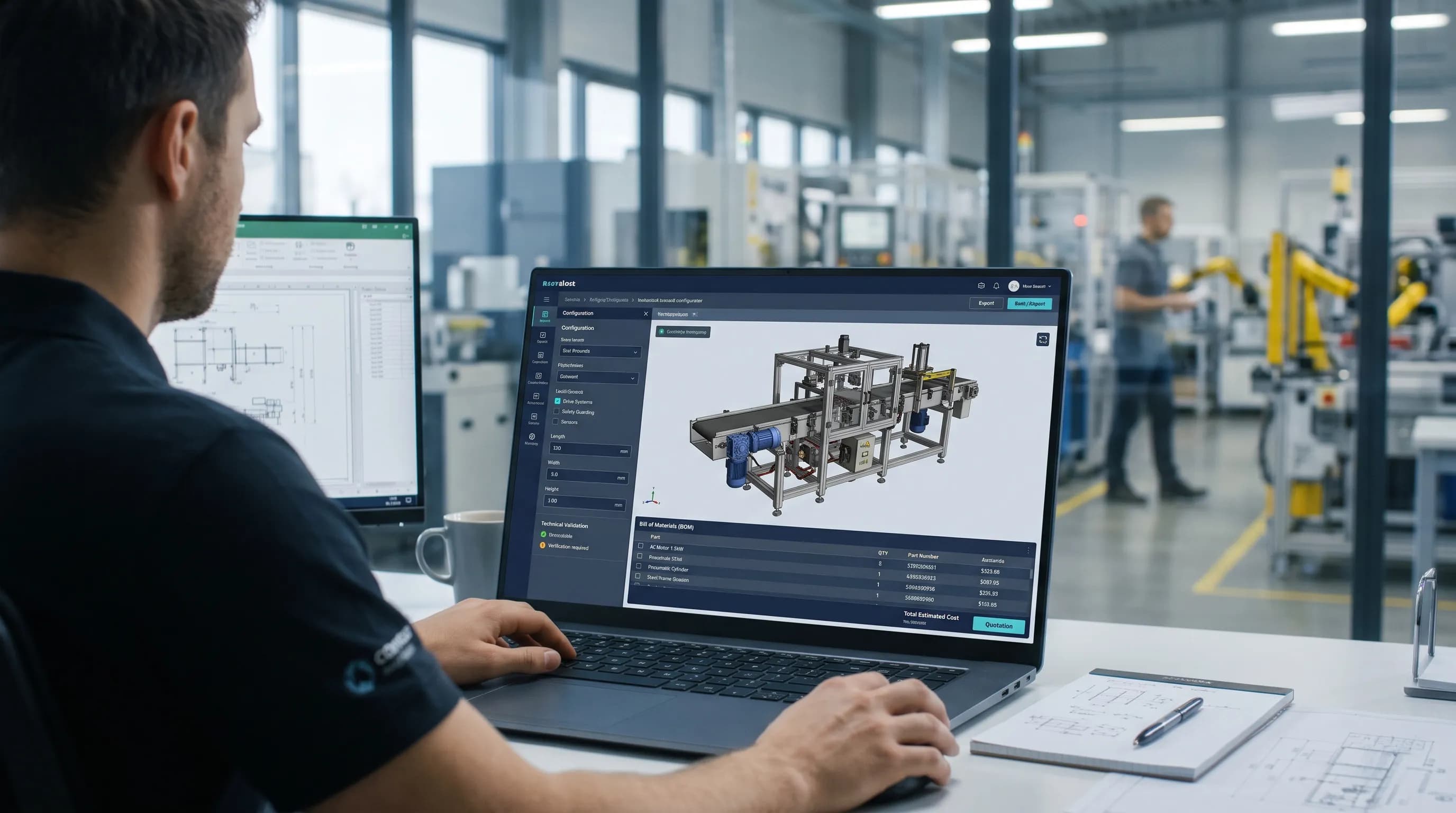
Engineer configuring a conveyor system on a laptop in a factory, with dimension inputs, technical validation, a bill of materials and a Quotation button
  1. 01

    Select the product

    The user chooses a product family, base model, or standard assembly that matches the customer's initial requirements.

  2. 02

    Configure components and specifications

    Available options are selected according to the product's structure, including supported components, dimensions, materials, and accessories.

  3. 03

    Validate technical requirements

    The configurator evaluates defined product rules and identifies selections that require correction or additional engineering approval.

  4. 04

    Calculate pricing and prepare a quote

    The approved configuration is used to calculate applicable pricing and prepare quotation information through the connected sales workflow.

  5. 05

    Transfer approved configuration data

    Once the order is confirmed, relevant specifications and supported outputs are transferred to the systems responsible for engineering, planning, or production.

Product applications

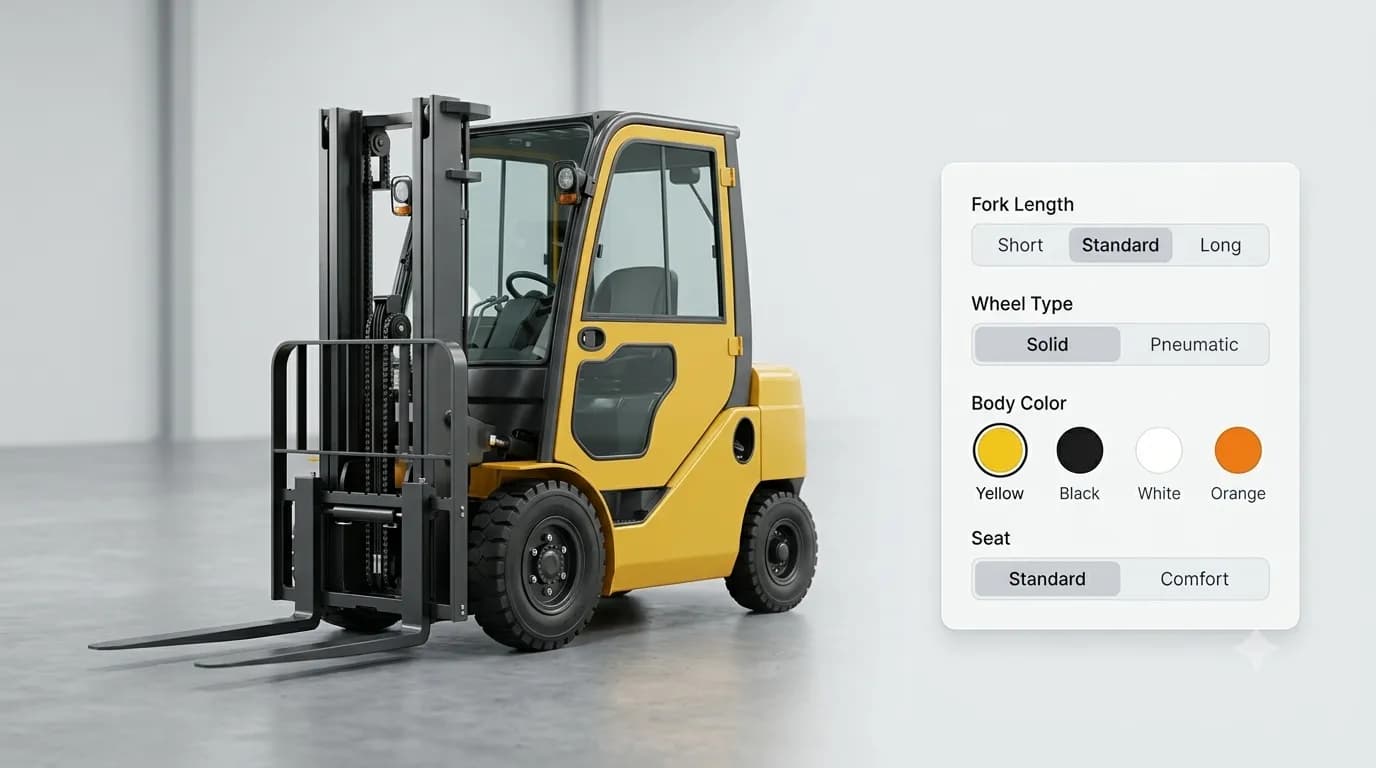
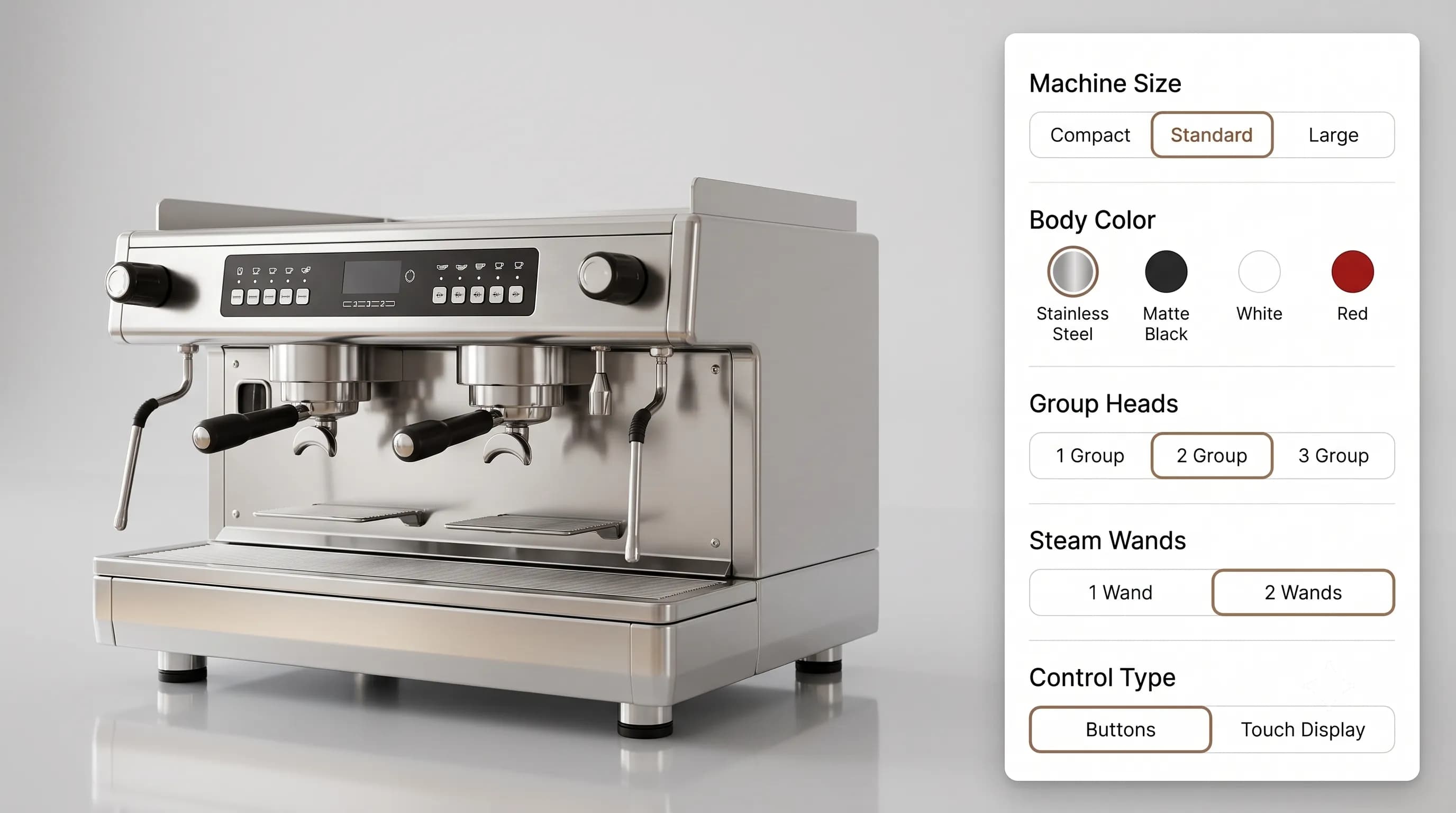
Manufacturing products you can configure in 3D

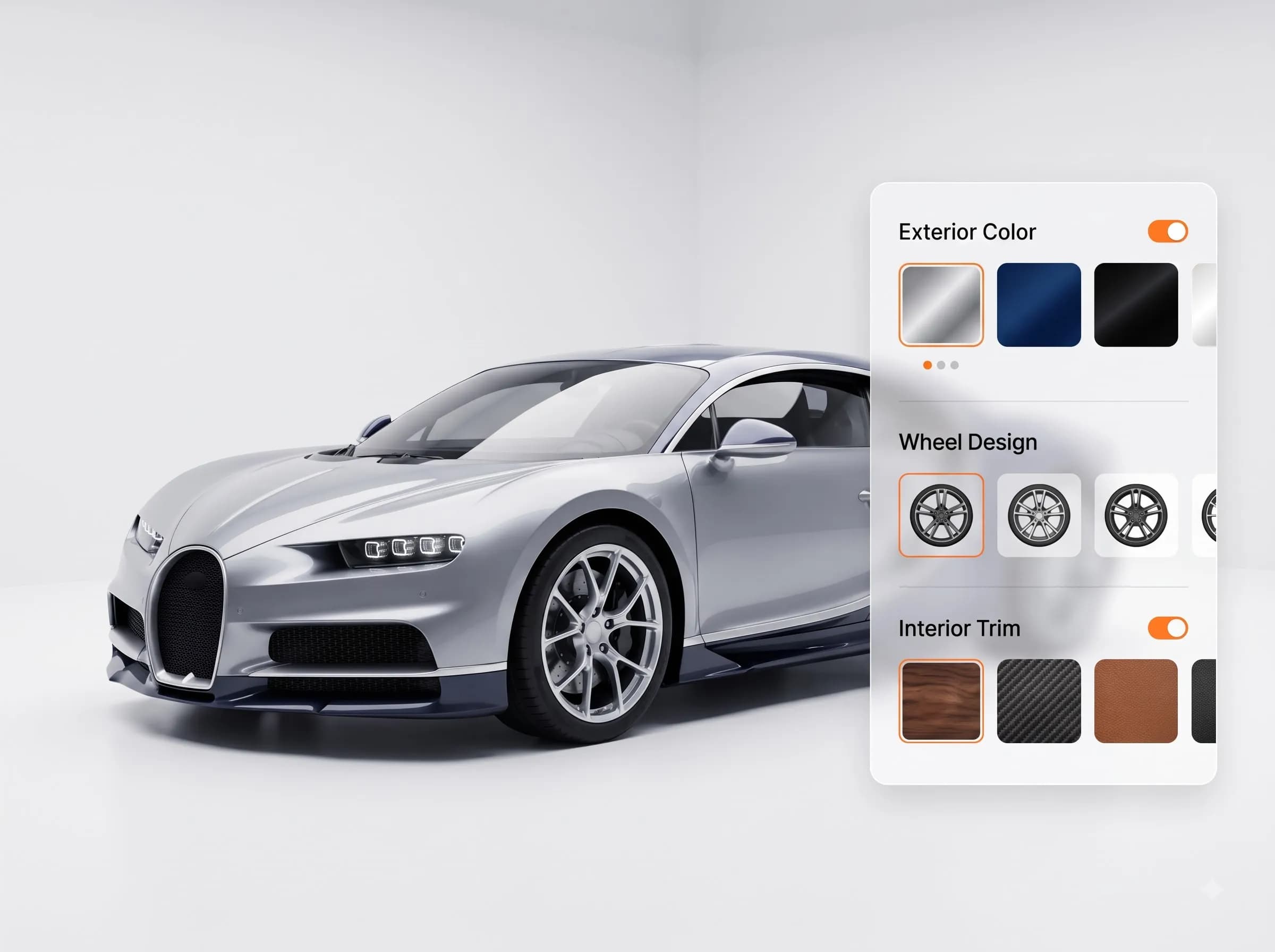
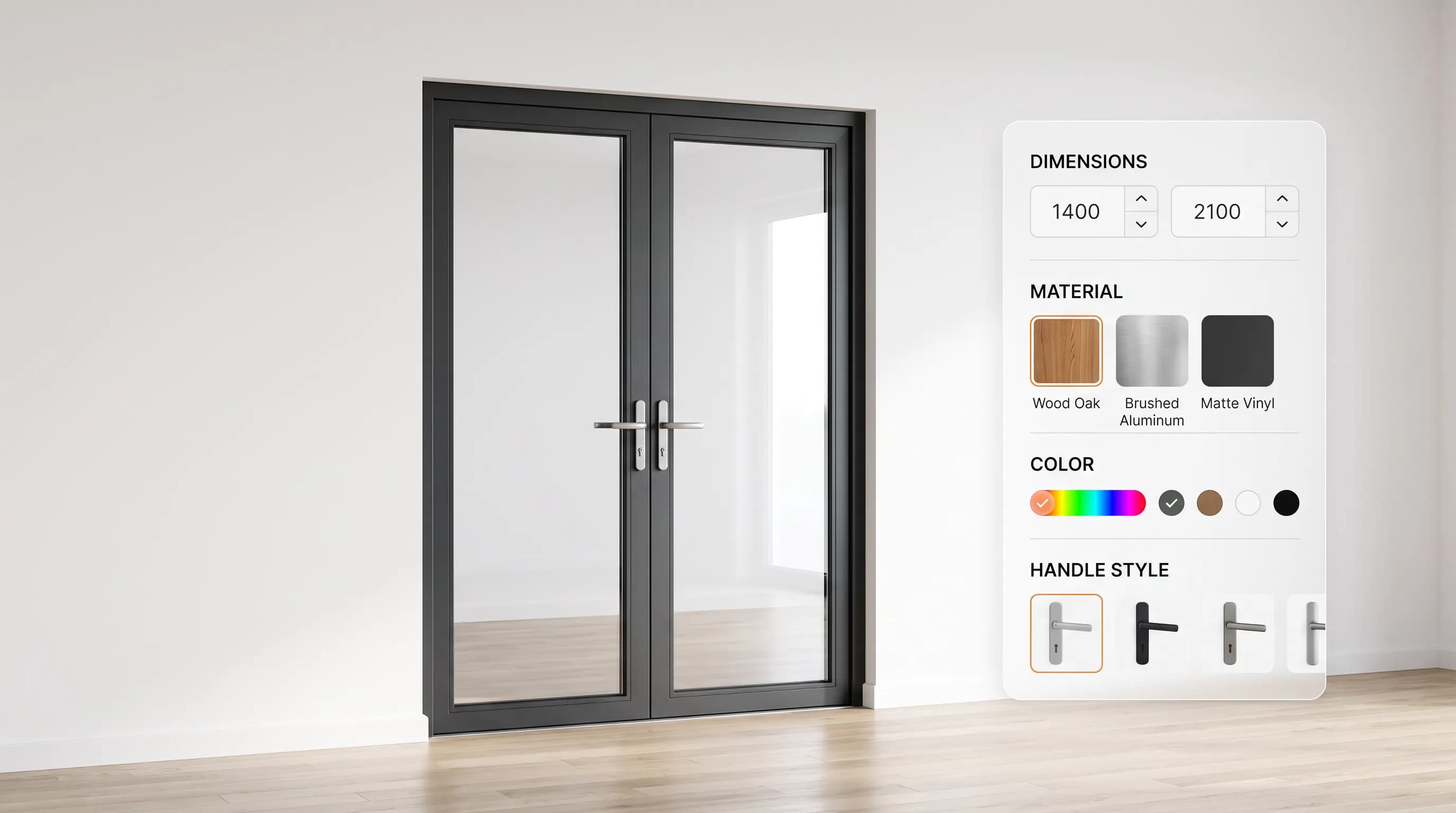
Different manufactured products require different configuration rules and technical outputs. HexaCoder develops configuration workflows around the components, specifications, and production requirements of each product category.

Custom development and integrations

Connect your configurator with ERP, CAD, and production systems

A manufacturing configurator should fit the systems already managing engineering data, customer requirements, and production activities. HexaCoder develops custom integrations based on the information each system needs to exchange.

  1. 01

    ERP integration

    Connect approved configurations with ERP workflows for relevant product references, order details, material information, and other supported business data.

  2. 02

    CRM integration

    Make customer requirements, configuration references, and quotation information available within supported CRM workflows so sales teams can maintain a connected opportunity record.

  3. 03

    CAD integration

    Connect configuration parameters with supported CAD workflows where automated model updates, engineering documentation, or design outputs are required and technically feasible.

  4. 04

    PIM and PLM integration

    Use product information and lifecycle management systems to access relevant specifications, approved product definitions, and controlled configuration data.

  5. 05

    Visual CPQ integration

    Connect product selections with pricing rules, quotation generation, and applicable approval processes to support a more consistent sales workflow.

  6. 06

    BOM and production data integration

    Map approved configurations to the component and assembly information required by supported planning or manufacturing systems.

  7. 07

    Custom API integration

    Develop APIs and data exchange workflows for existing manufacturing applications, internal tools, and specialized business systems.

Business benefits

Business benefits of 3D product configurators for manufacturers

A well-implemented manufacturing configurator can improve how complex products are sold, reviewed, and prepared for production. Its value comes from reducing manual work and making product information more reliable across connected teams.

FAQs

Frequently asked questions

Start growing your business