Hexacoder Technologies

Build and customize products with a modular product configurator

Let customers assemble, arrange, and visualize modular products in real time, with smart rules that keep components compatible.

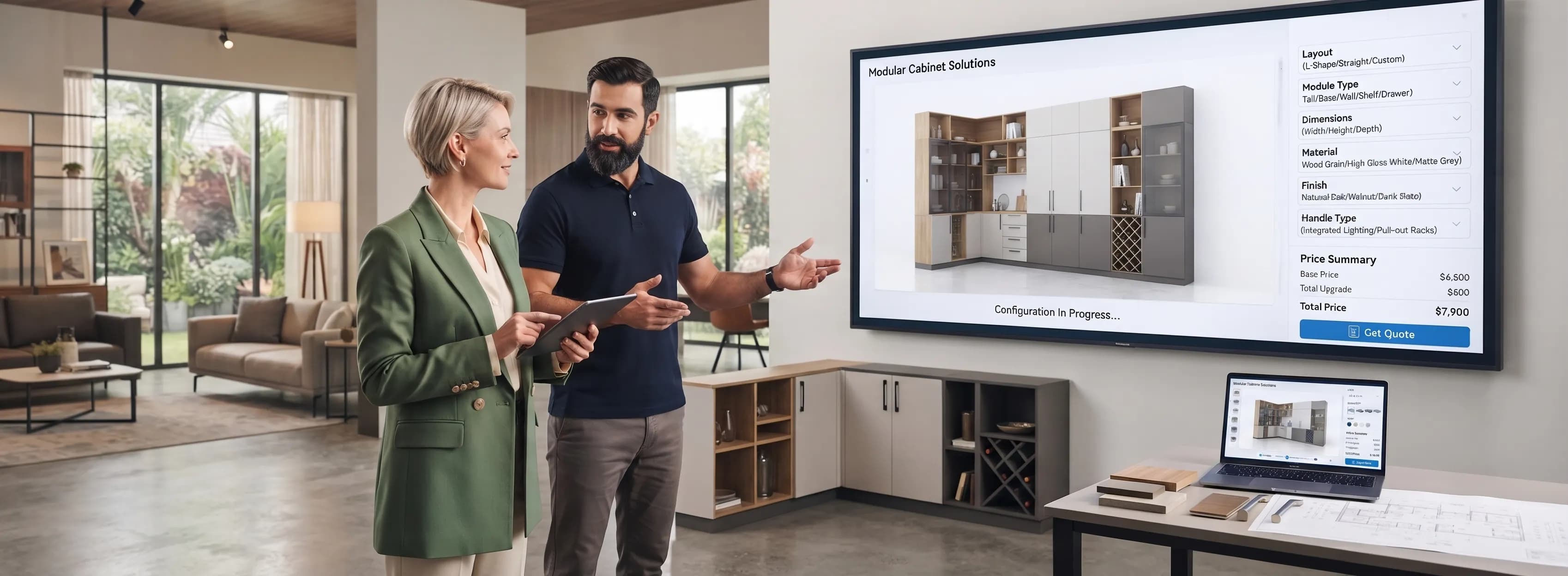
Two colleagues in a showroom reviewing a modular cabinet configurator on a wall screen that shows layout, module type, dimension and finish options with a price summary

The challenge

Why is configuring modular products so difficult?

More modules mean more possibilities, but finding the right combination can quickly become complicated.

  • Too many product combinations

    Different components, materials, and accessories create numerous possible configurations. Customers struggle to find what they need when options are scattered across catalogs and specification sheets.

  • Components that don't fit together

    Not every module works with every product. Selecting the wrong connection, supporting part, or accessory can result in an assembly that cannot be built.

  • Difficult-to-imagine layouts

    Static images rarely show how a modular product changes when components are added, removed, or rearranged. Customers are left guessing what their finished product will look like.

  • Uncertain space requirements

    A product may look suitable on paper but exceed the available space once additional sections are included. Checking the overall footprint often requires manual calculations.

  • Slow quotation preparation

    Sales teams must identify selected components, verify specifications, and calculate prices before they can prepare an accurate quotation.

Interactive product experience

What if customers could build the exact product they need?

Give customers a hands-on 3D experience where they can create, customize, and explore modular products before making a decision.

  • Start with a product, not a parts list

    Choose a base model or starting layout and explore the modules available for that product. Instead of searching through technical catalogs, customers begin with something they can see and customize.

  • Build directly in 3D

    Drag, drop, and add components to the product. Watch the assembly take shape as each new module becomes part of the design.

  • Experiment with different layouts

    Extend a modular sofa, rearrange storage sections, or explore alternative equipment arrangements without starting from scratch.

  • Personalize individual components

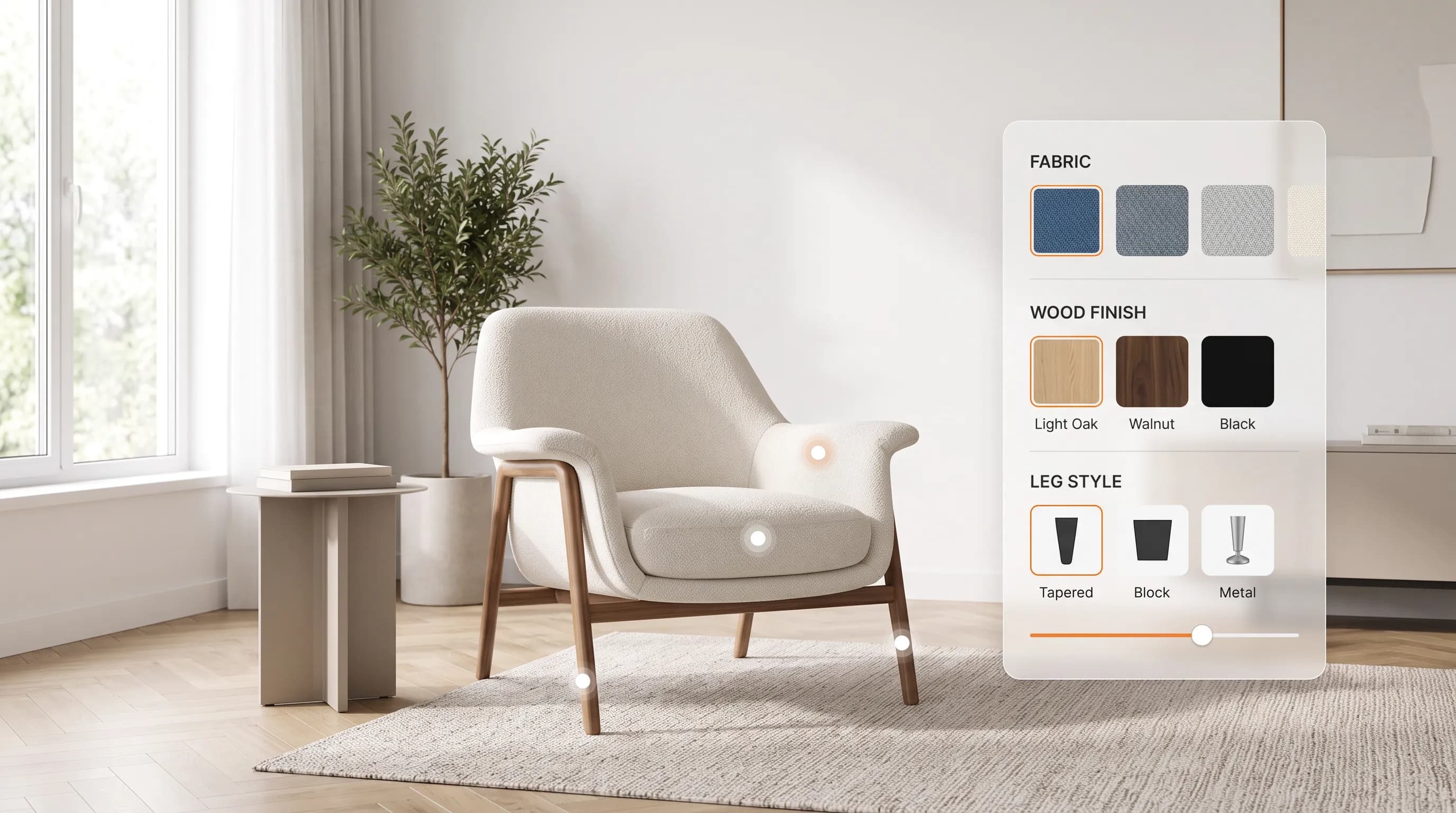
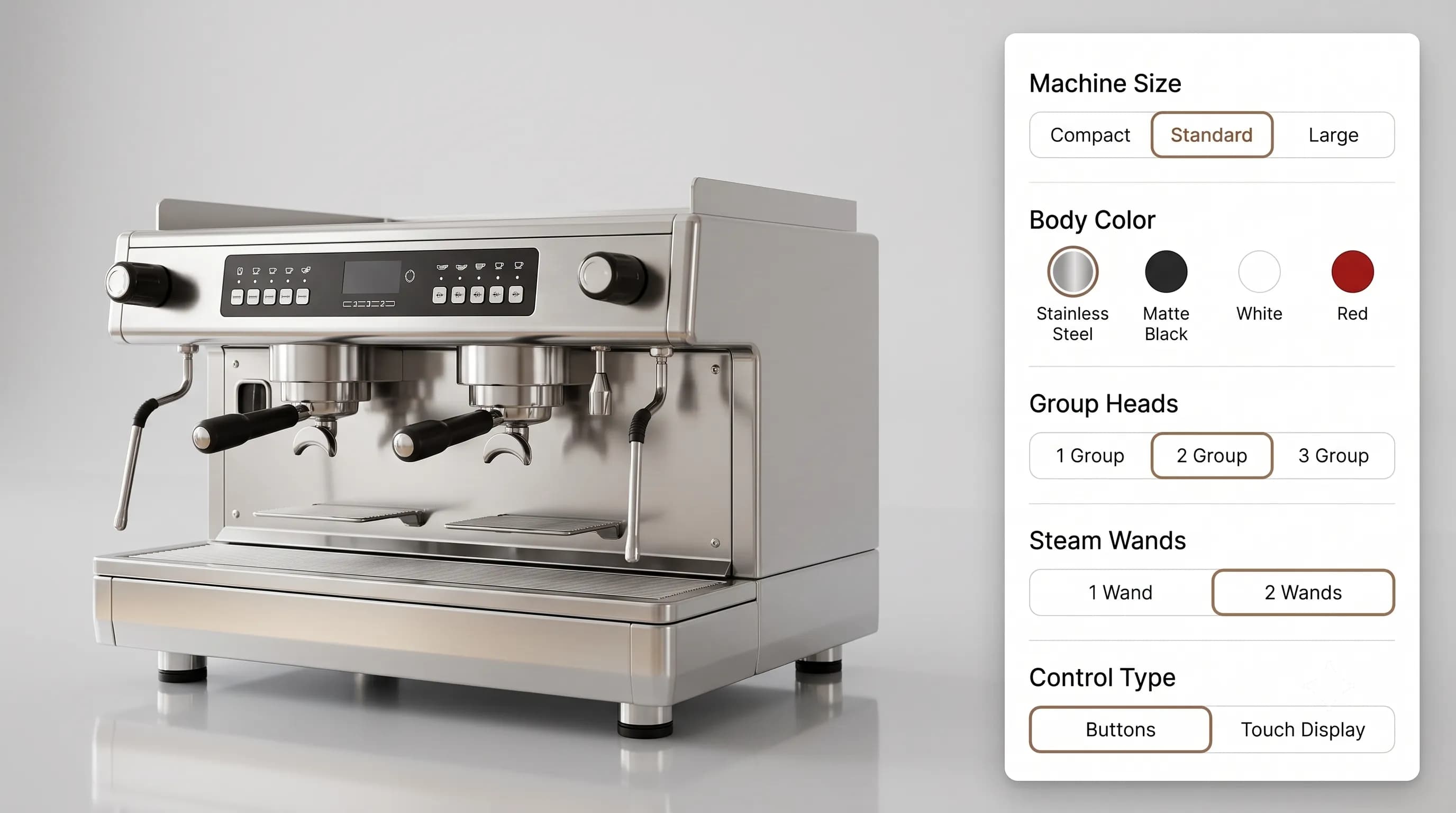
    Choose available materials, colors, finishes, and accessories for selected modules. Different sections can have their own customization options.

  • Explore the finished design

    Rotate, zoom, and inspect the assembled product from different angles. An online modular product configurator with real-time 3D helps customers understand their choices before moving forward.

Intelligent assembly

What happens when customers choose modules that don't fit?

Built-in configuration rules guide every connection, helping customers assemble products that meet your technical requirements.

  • Compatible connections

    Allow modules to connect only when their connection types and product specifications support the combination.

  • Automatic positioning

    Use predefined attachment points to place components in the correct position and orientation during assembly.

  • Product-specific restrictions

    Control available options based on the selected product family, module type, and assembly requirements.

  • Required parts and accessories

    Identify or include necessary connectors, brackets, supports, and other components when a configuration requires them.

  • Assembly conflict detection

    Flag overlapping components or unsupported arrangements through spatial validation where the product requires it.

Configuration to quotation

Can customers see the final product and price before ordering?

Turn a completed modular design into a clear product summary with specifications, pricing, and quotation information.

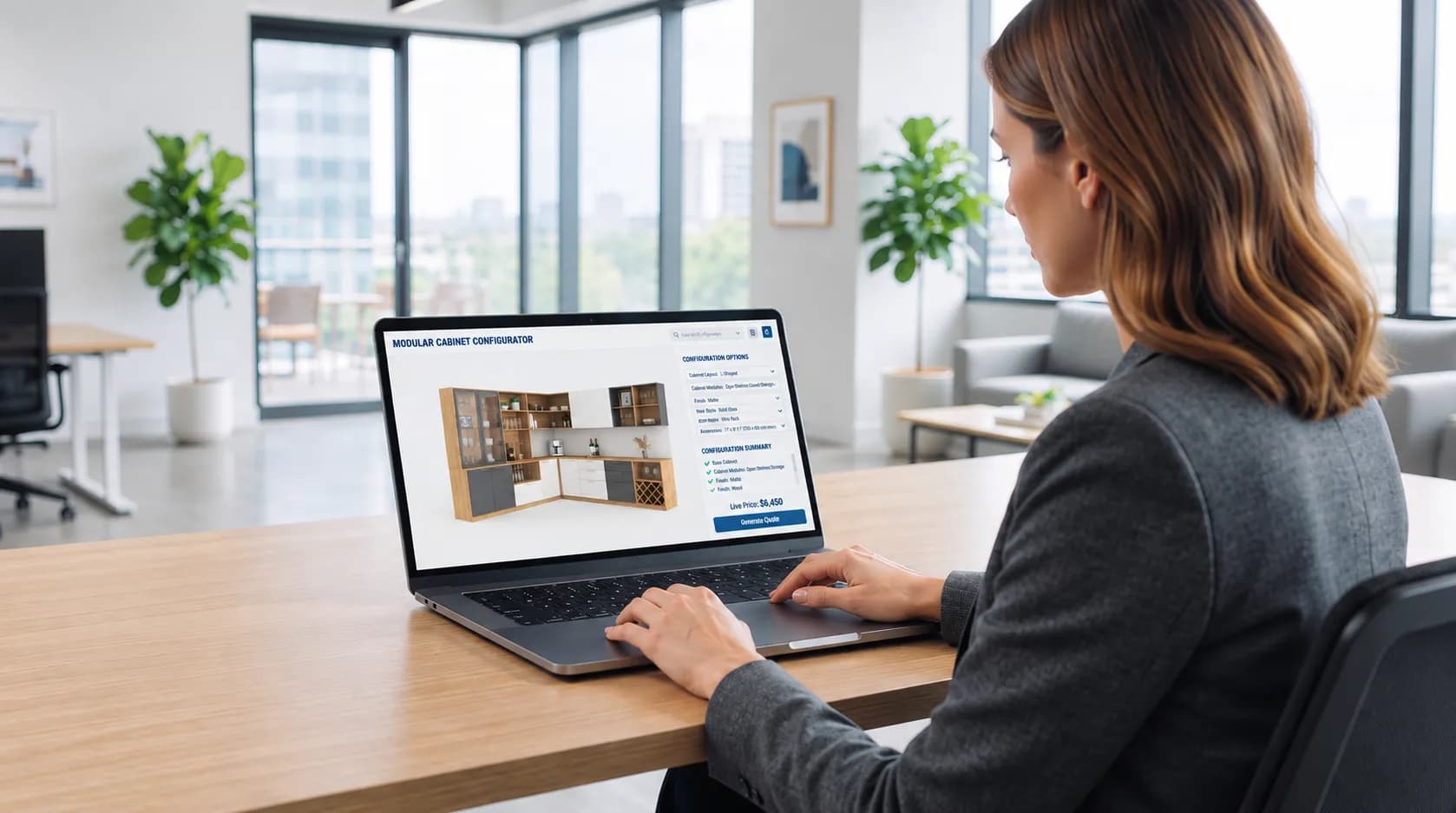
Person using a modular cabinet configurator on a laptop, with configuration options, a configuration summary, a live price and a Generate Quote button
  1. 01

    Final product overview

    Present the completed design with its selected modules, customization options, and relevant product specifications.

  2. 02

    Configuration summary

    Create a structured record of selected components, quantities, accessories, and applicable measurements for review.

  3. 03

    Real-time price calculation

    Calculate the total using component quantities, selected options, materials, and pricing rules. Changes that affect cost can update the price automatically.

  4. 04

    Quotation generation

    Use the approved configuration to prepare a quote through connected Visual CPQ and sales workflows.

  5. 05

    Ready for the next step

    Transfer the configuration details to connected ordering or production systems, reducing the need to reenter product information.

Industry applications

What types of modular products can you configure?

Modular configuration can support products built from interchangeable parts, adjustable layouts, and customizable components.

Custom development and integrations

Connect your modular configurator with the systems you already use

HexaCoder develops custom configurator software around your product structure, business rules, and existing technology.

  1. 01

    Custom configuration interface

    Design an experience around your product catalog, module selection process, and customization requirements rather than adapting your products to a fixed interface.

  2. 02

    Product rule engine

    Develop configurable logic for component relationships, assembly restrictions, product variations, and technical dependencies.

  3. 03

    3D component management

    Manage reusable 3D assets, component variations, and product data to support different modular product families.

  4. 04

    ERP and CRM integration

    Connect customer information, configuration records, orders, and relevant product data with your existing systems.

  5. 05

    CPQ and pricing integration

    Connect the configurator with pricing engines, Visual CPQ, and quotation workflows to support your commercial processes.

  6. 06

    BOM and production integration

    Generate structured component information and connect configuration outputs with bill of materials and manufacturing workflows.

Business outcomes

What changes when modular configuration becomes part of your sales process?

Move beyond manual product selection and disconnected workflows to create a more efficient path from customer requirements to confirmed orders.

FAQs

Frequently asked questions

Start growing your business