

Hexacoder Technologies

Building Materials

3D building material configurator for
products built to specification

Help customers configure, visualize, price, and quote custom building products in interactive 3D, while your product rules guide every selection.

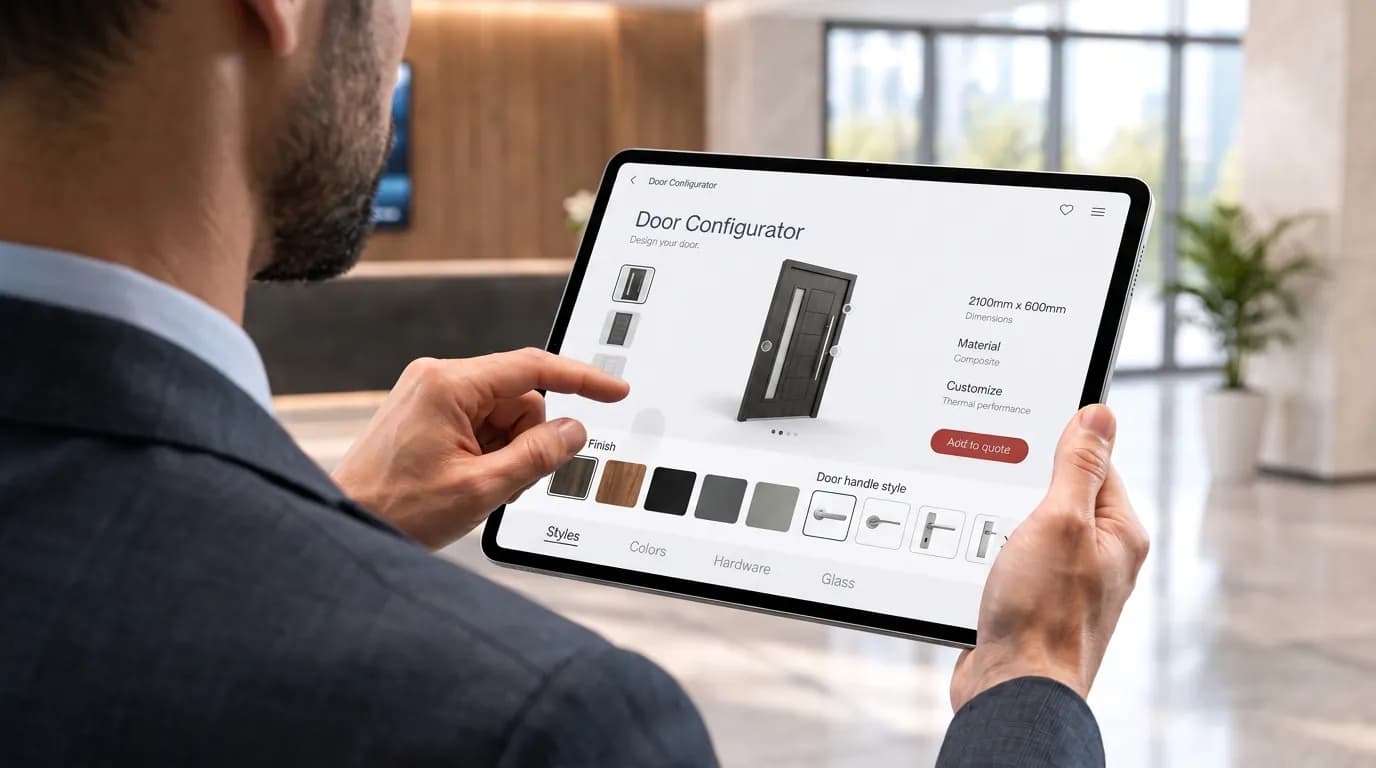
Hands holding a tablet showing a dark composite door in a 3D door configurator with finish and handle style options

Why 3D

A technical drawing can't show
every product possibility.

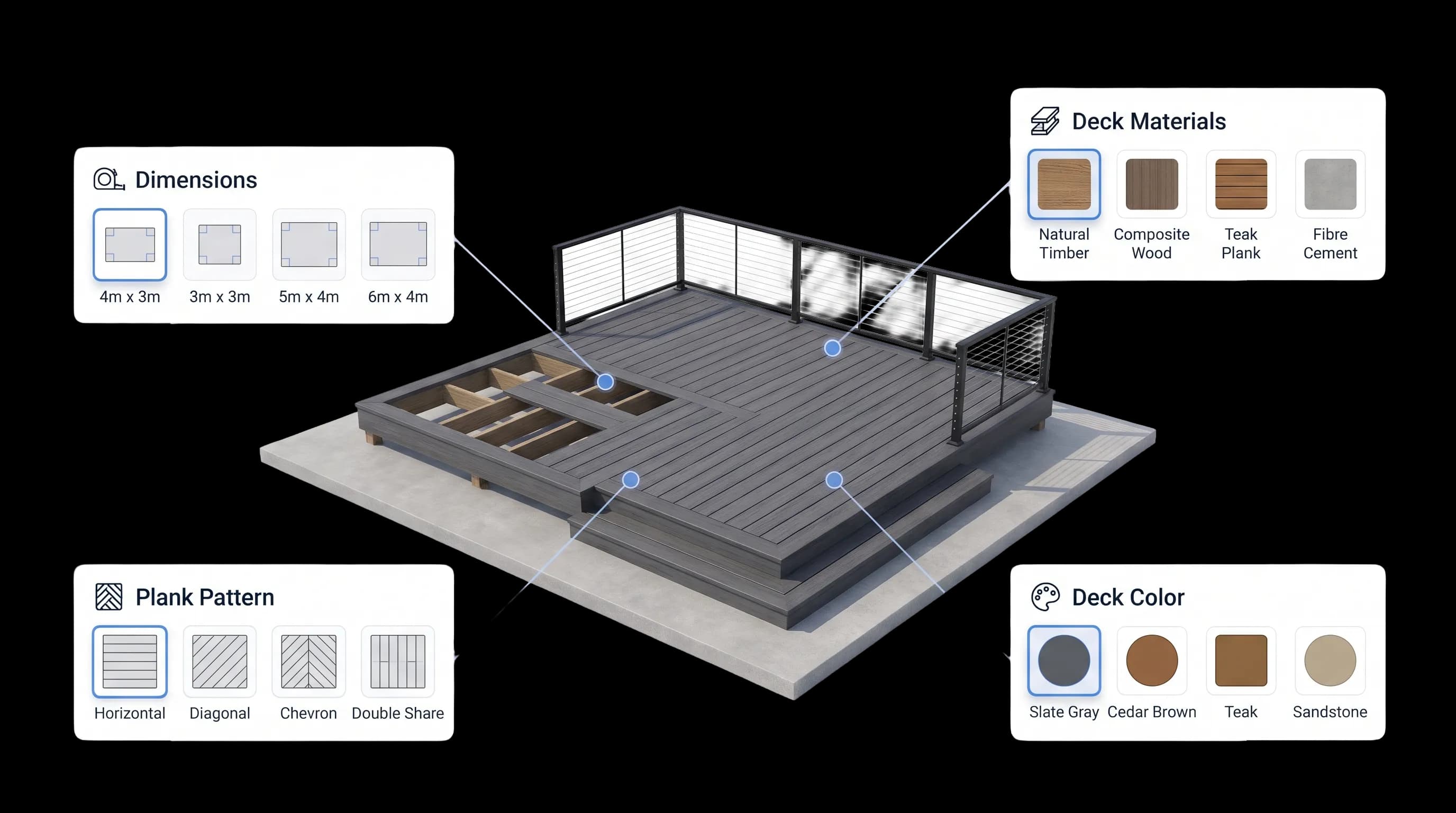
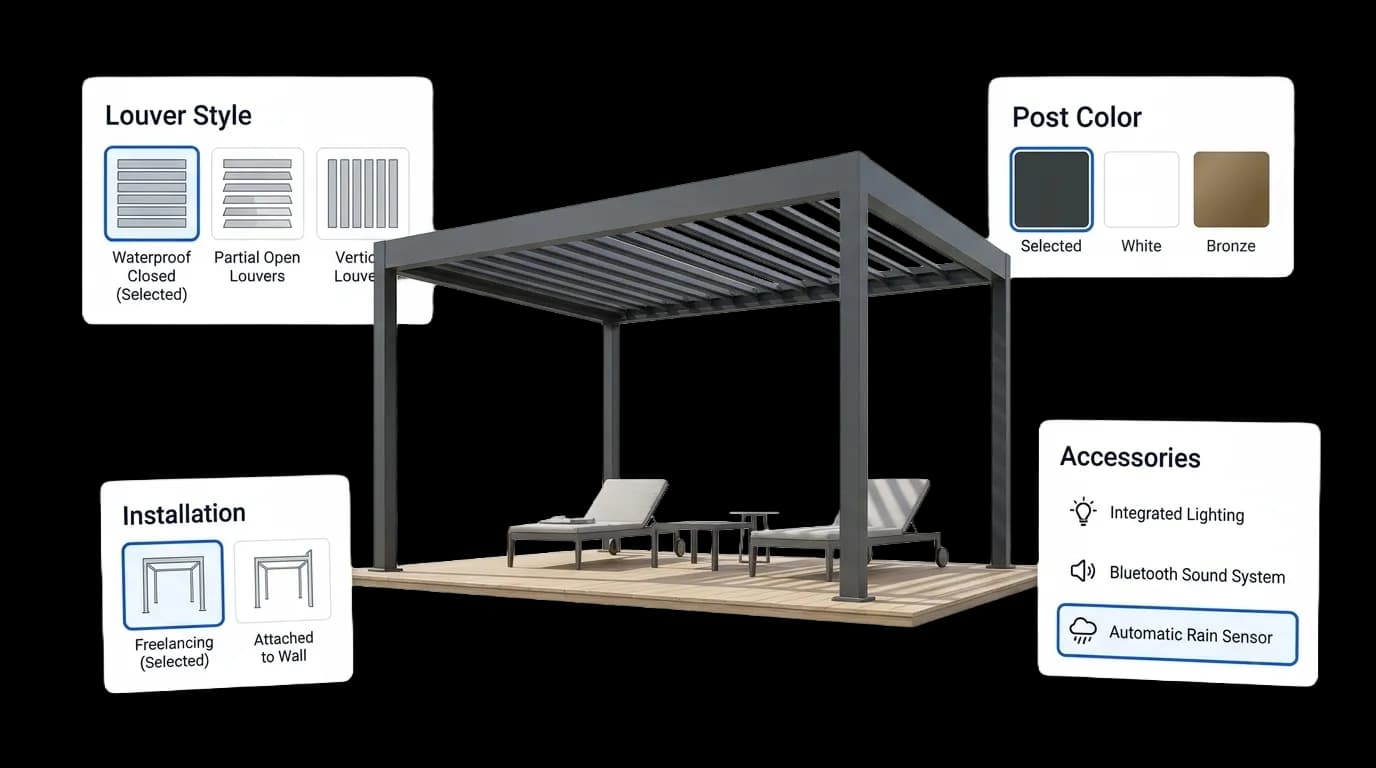
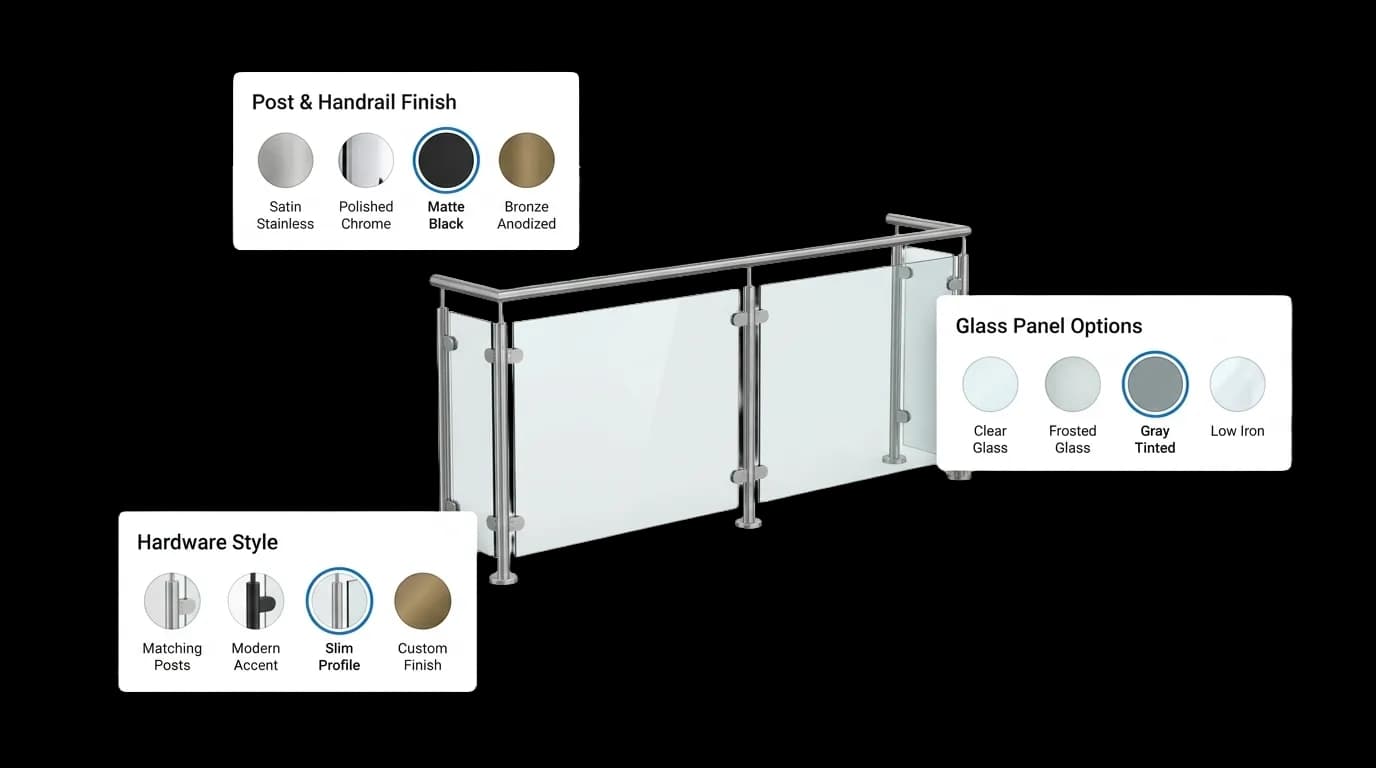
A customer changes the dimensions of a window, selects a different railing finish, or adjusts a pergola roof. Static drawings can't easily show how every combination will look.

The problem

With traditional product drawings

  • Customers rely on drawings, catalogs, and limited product images.
  • Different configurations may require separate drawings or mockups.
  • Materials and component combinations can be difficult to visualize.
  • Sales teams may need engineering support to confirm available options.
The solution

With a 3D building material configurator

  • Customers explore supported product variations in interactive 3D.
  • Dimensions, materials, and components update as selections change.
  • Product rules guide customers toward valid configurations.
  • Selected specifications can be captured for pricing, quoting, or production.

How it works

From product requirements to a
configuration ready for quoting

A building material configurator brings product selection, customization, validation, and pricing into one guided process. Customers can explore supported options without managing the technical complexity.

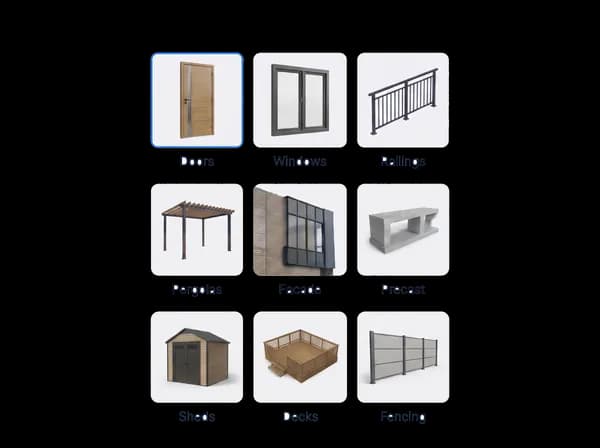
  1. Product picker showing doors, windows, railings, pergolas, facades, precast, sheds, decks, and fencing

    Select a product

    Choose an available door, window, railing, pergola, facade, precast component, shed, or deck.

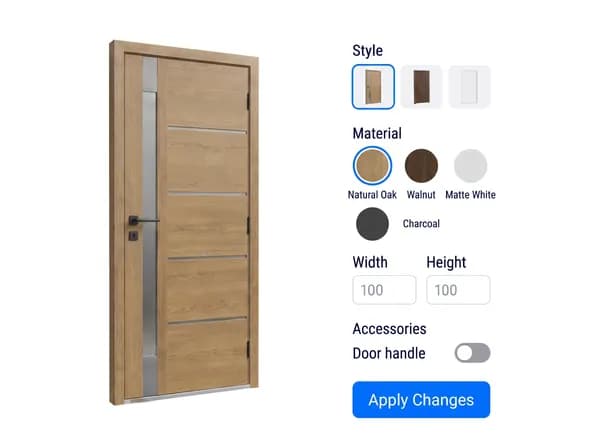
  2. Door configurator with style, material, width, height, and door handle options beside an oak door

    Customize the design

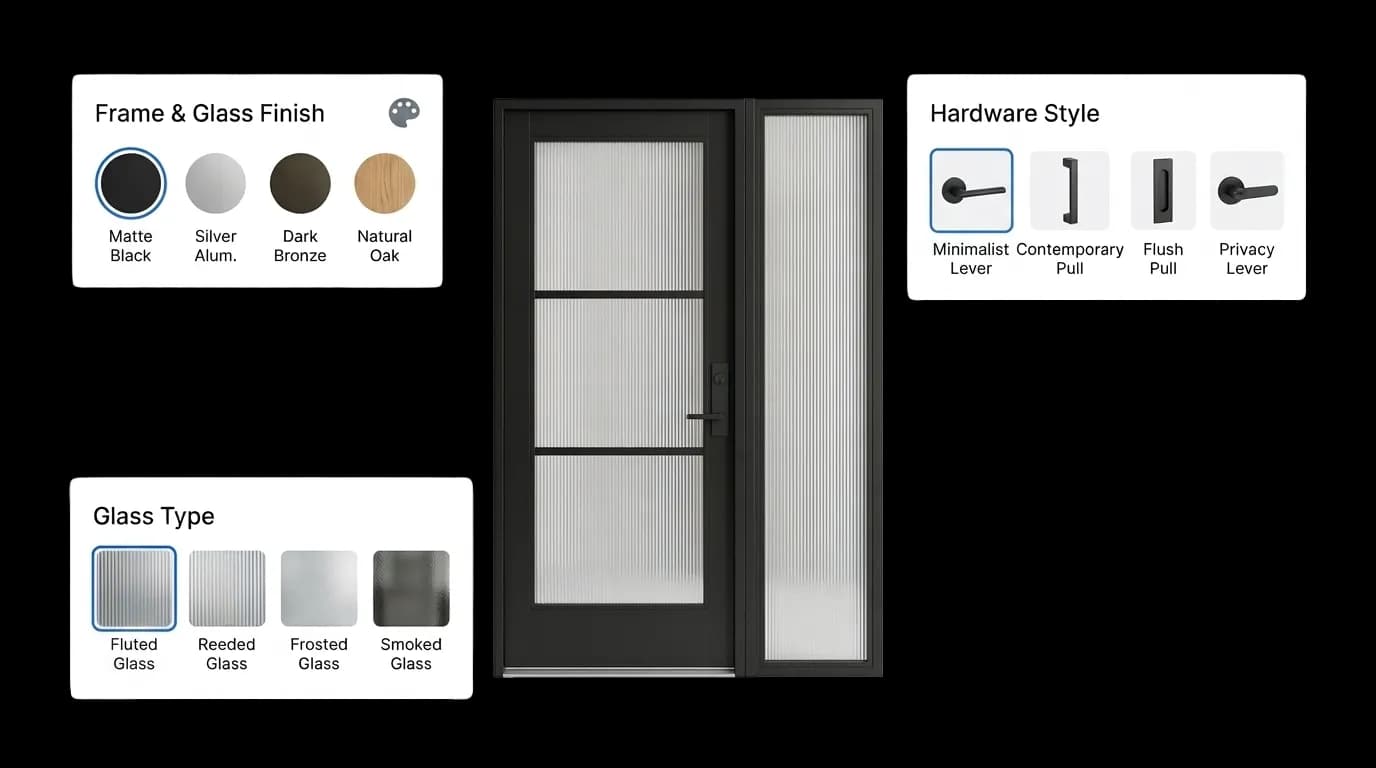
    Define dimensions, layouts, materials, colors, components, and accessories.

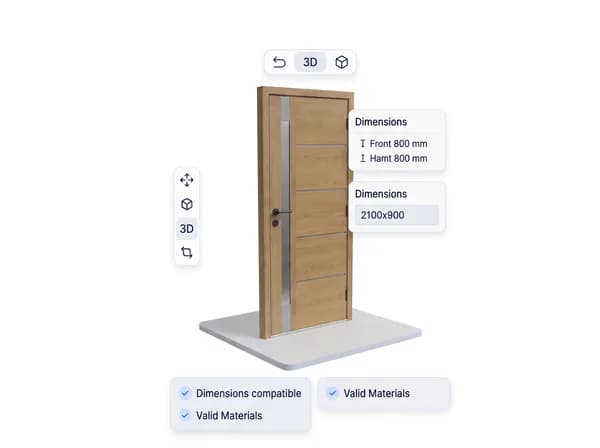
  3. 3D oak door with its dimensions, marked as having compatible dimensions and valid materials

    Review in 3D

    Explore the configured product while defined rules validate available combinations.

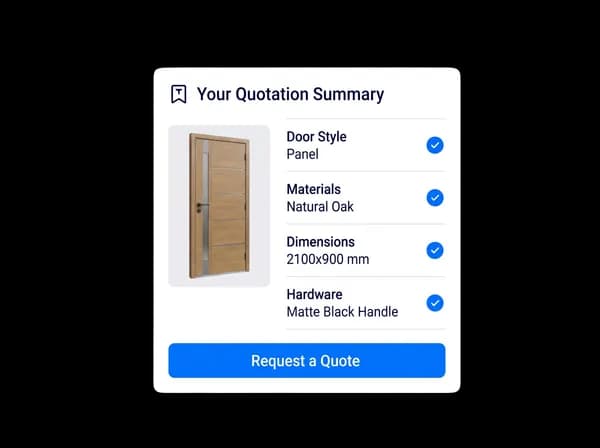
  4. Quotation summary for an oak panel door listing its style, materials, dimensions, and hardware

    Price and move forward

    Calculate pricing and prepare quotation information using the selected product specifications.

Customization capabilities

Give customers more choices without creating more complexity

Every building product has limits on dimensions, materials, and component combinations. HexaCoder develops building product configurator software that manages these requirements during customization.

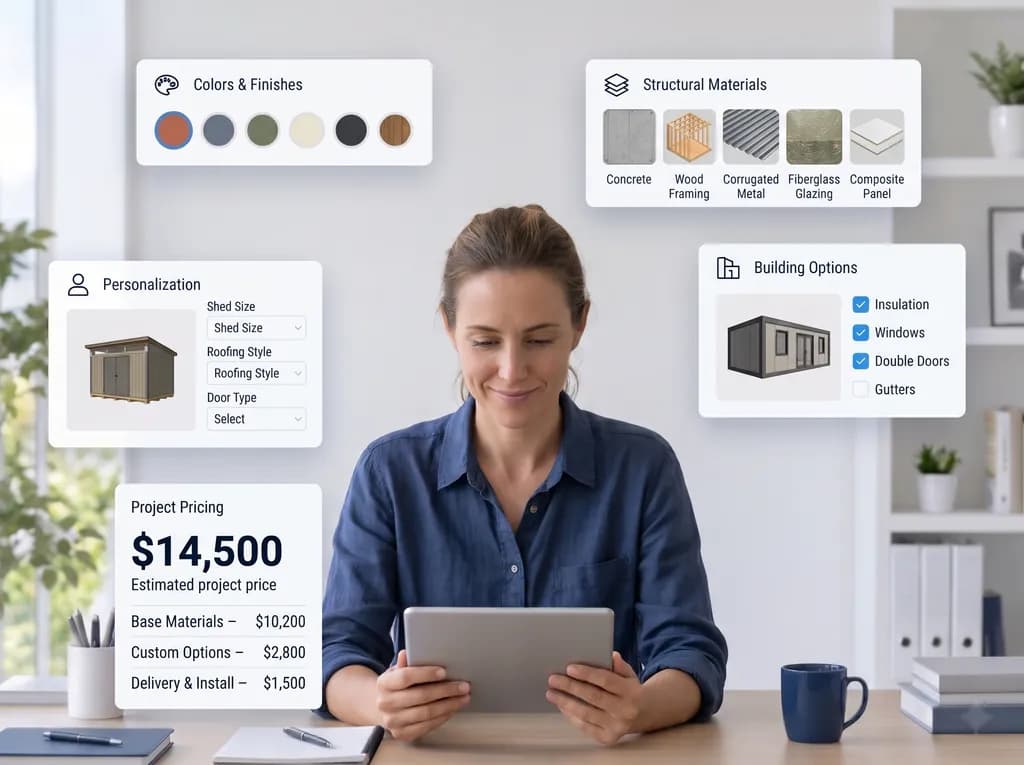
Woman on a tablet surrounded by colors and finishes, structural materials, shed personalization, building options, and project pricing panels
  • Custom dimensions

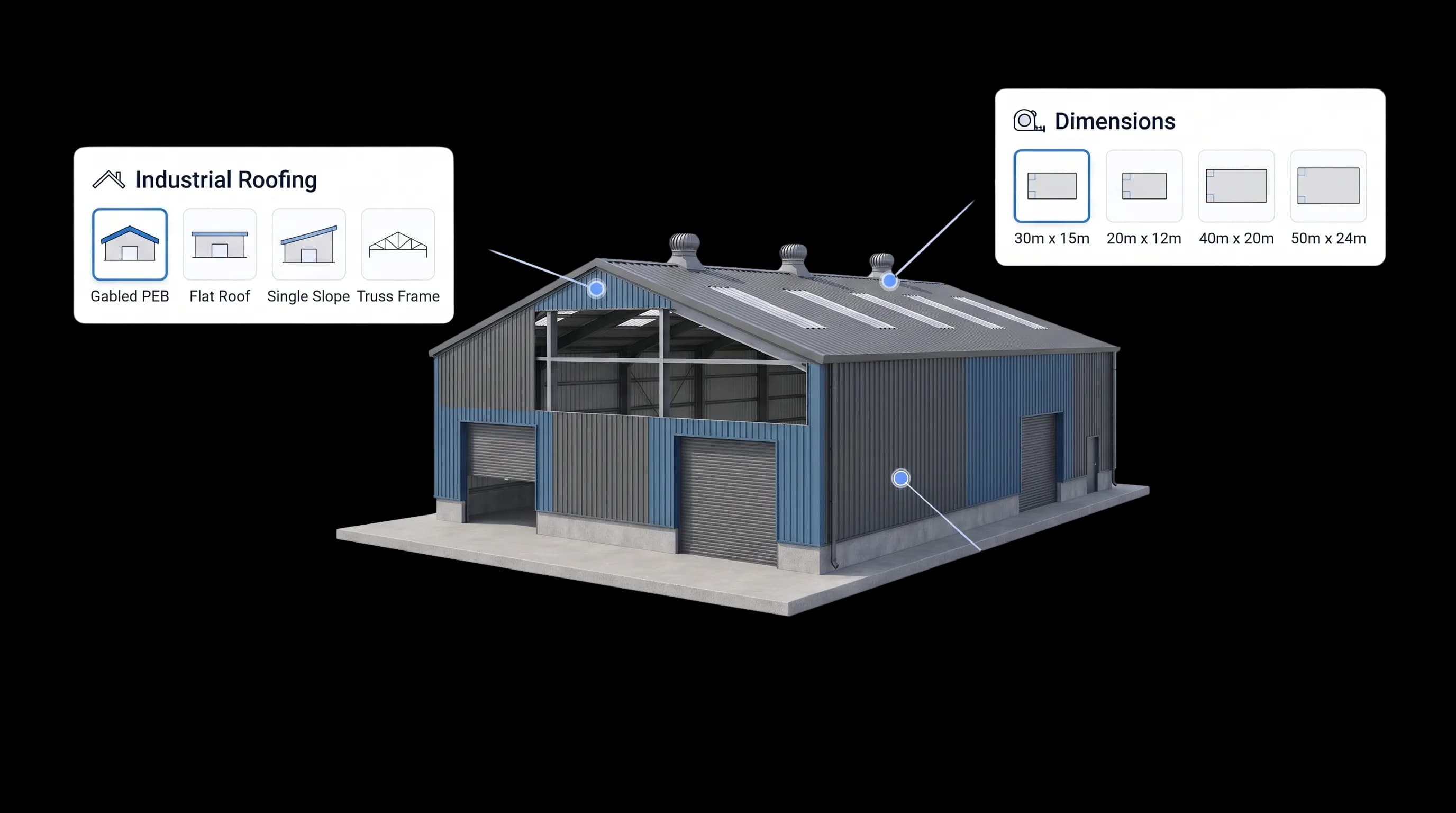
    Apply supported length, width, height, and product-specific measurement rules.

  • Materials and finishes

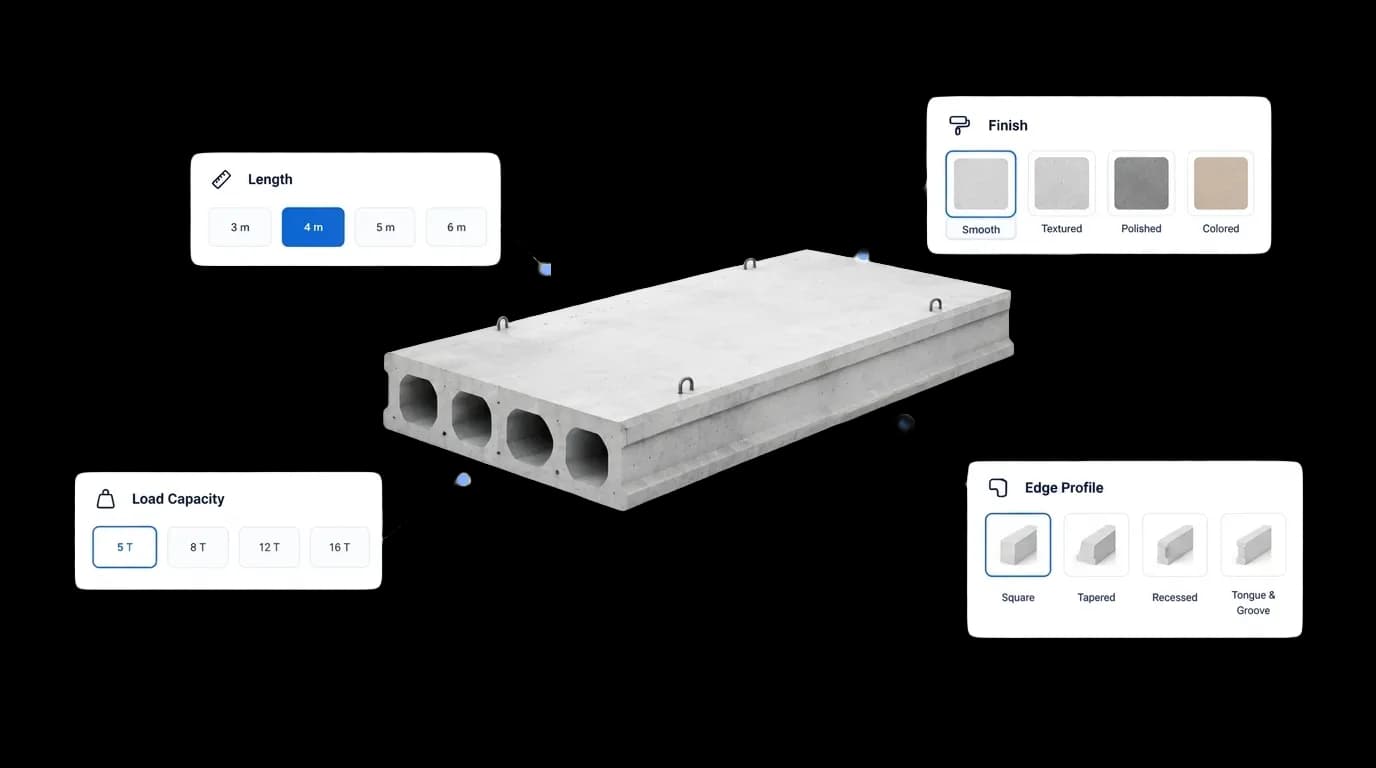
    Configure available metals, wood, glass, concrete, coatings, and colors.

  • Modular product layouts

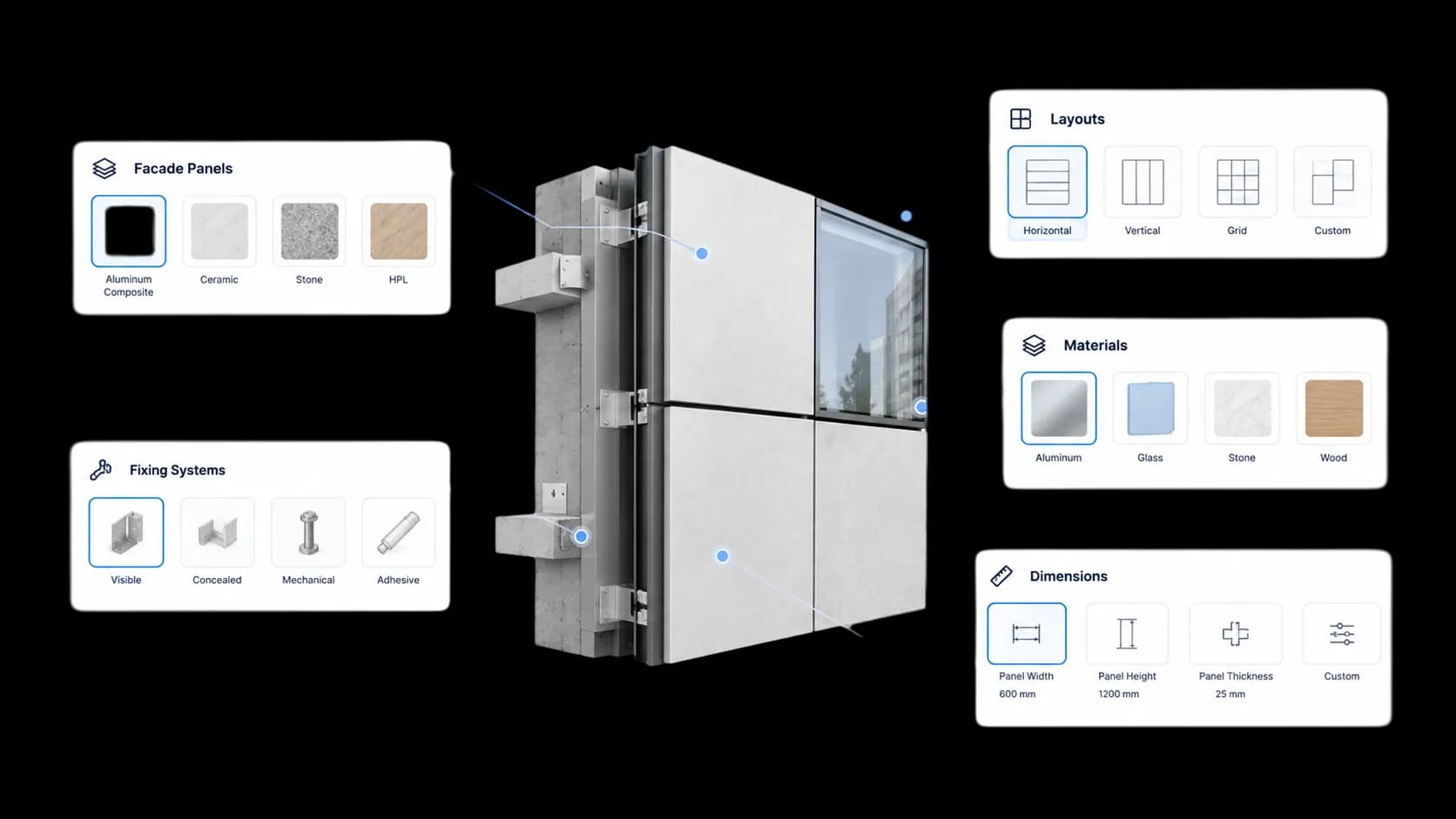
    Build supported arrangements of panels, sections, frames, and structural components.

  • Hardware and accessories

    Select compatible handles, hinges, fittings, trims, and additional components.

  • Engineering-based rules

    Manage dimensional limits, component dependencies, and valid product combinations.

  • Configuration-based pricing

    Calculate prices using selected specifications and defined business rules.

Features for your business

A better building product experience needs more than a 3D preview.

Customers see the configured product, while your business manages the rules and specifications behind it. HexaCoder develops connected solutions around your products and workflows.

  • Visual CPQ

    Make building product pricing and quoting easier to manage.

    Connect building product selections with defined pricing and quotation rules through building material CPQ.

  • Modular configurator

    Simplify complex building product configurations.

    Configure supported assemblies, dimensions, layouts, and component combinations across complex building products.

  • 3D data management

    Keep building product models and variations organized.

    Organize relevant 3D models, materials, product variations, and configuration data.

  • AI visual commerce

    Help customers discover suitable building product options.

    Develop AI-assisted product discovery and visualization experiences for supported building product catalogs.

Have building products you'd like customers to configure?

Tell us about your products and the options customers need to customize. We'll discuss a 3D configuration experience built around your product rules and sales process.

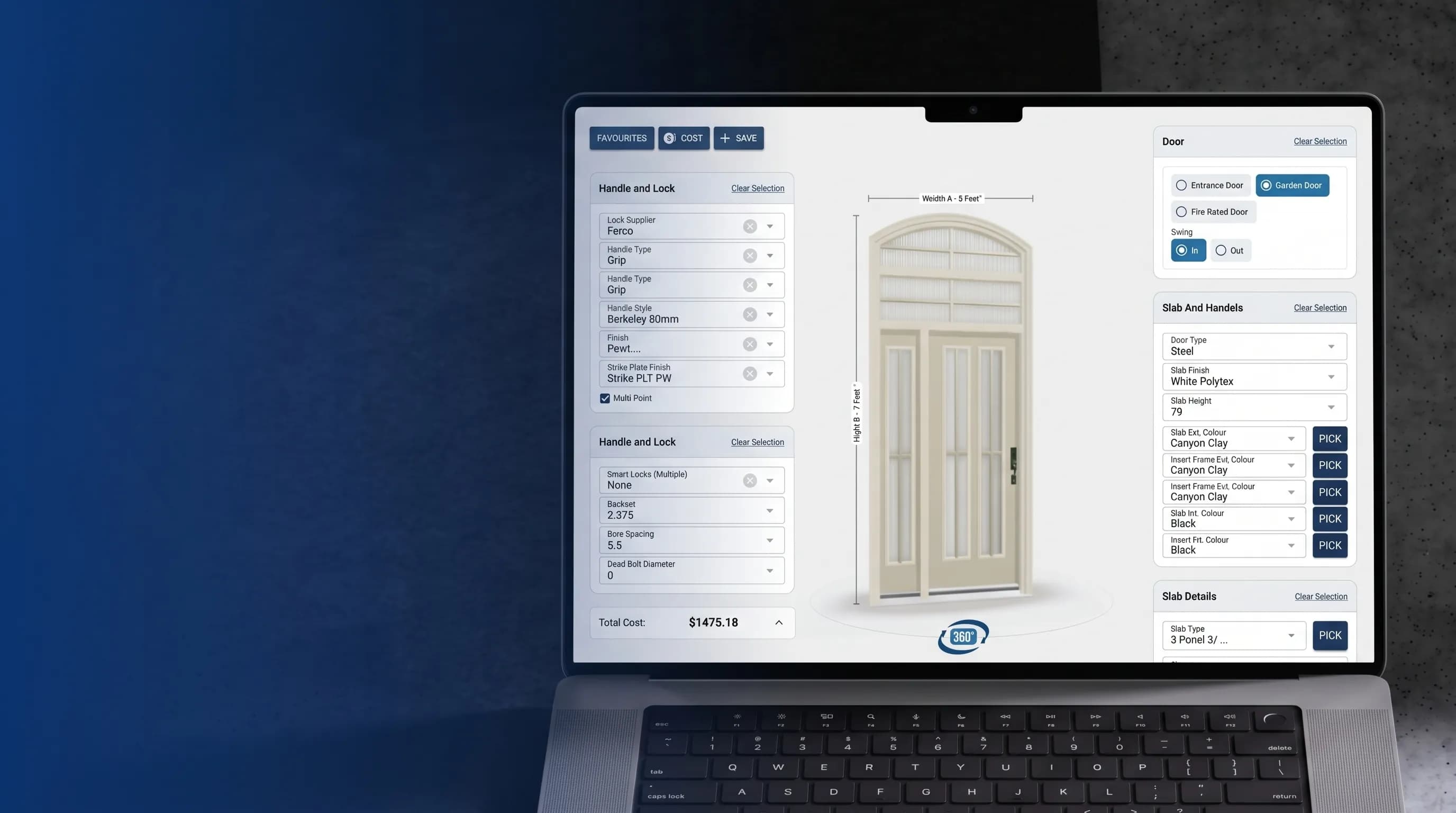
Laptop showing a 3D door configurator with an arched double door and handle, lock, and slab options

FAQs

Frequently asked questions

Start growing your business