
Hexacoder Technologies

3D product configurator for websites and online stores

Give shoppers the freedom to personalize products and see their choices before purchasing, with a custom 3D product configurator built for your online store.

Three colleagues around a touchscreen table configuring a sectional sofa in 3D, with material and color options and the product page on a wall screen

Challenges

Common challenges in selling customizable products online

Selling products with multiple options is difficult when the shopping experience cannot clearly communicate what customers are choosing. These common problems can interrupt purchases and create extra work for your team.

  • Static images cannot show every variation

    A photograph captures one product combination. When shoppers want a different finish, fabric, or design, they may have no reliable way to see how their preferred version will look.

  • Too many options complicate decisions

    A large selection of colors, dimensions, and accessories can make customization overwhelming. Customers may struggle to understand which options matter or how their choices relate to one another.

  • Product expectations remain unclear

    Descriptions and selection menus do not always communicate proportions, details, or the overall appearance of a personalized item. This uncertainty can lead to hesitation before checkout.

  • Pricing changes are difficult to follow

    Additional components, premium materials, and custom dimensions can affect the final cost. When pricing is not clearly connected to the selected product, shoppers may abandon the process to request clarification.

  • Orders require additional verification

    Custom orders can arrive with missing specifications, conflicting selections, or unclear instructions. Teams then spend time confirming details instead of moving the order into fulfillment.

Our solution

What our eCommerce product configurator can do for you

HexaCoder develops interactive shopping experiences that make product personalization easier to understand and complete. Customers can explore their options visually, compare designs, and make informed choices within your existing online store.

  • Explore products from every angle

    Let shoppers examine the shape, structure, and design of a product through an interactive 3D view. They can inspect details that are difficult to understand from a limited set of photographs.

  • Create a personalized product

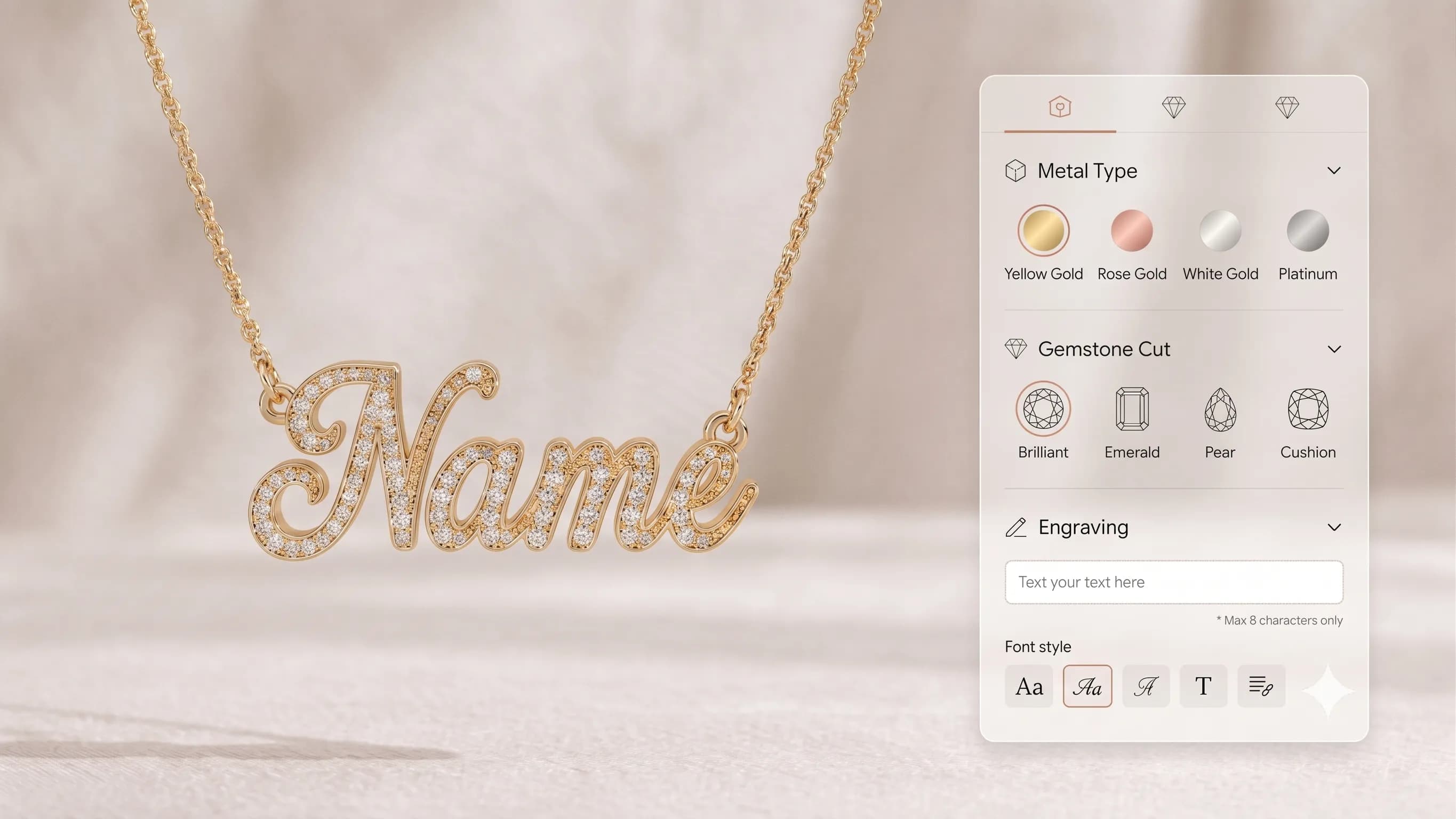
    Give customers a visual workspace where they can choose the appearance and supported characteristics of an item. Their selections become part of a single product design rather than a collection of disconnected fields.

  • Compare different design combinations

    Help shoppers evaluate alternatives before committing. They can explore how available design choices affect the finished product and select the combination that best matches their preferences.

  • Follow a guided buying experience

    Organize customization into clear, manageable decisions. Customers see relevant options at the appropriate stage instead of navigating a long list of unrelated settings.

  • Review the finished selection

    Present a clear summary of the customized item, including its chosen specifications and visual appearance, so customers can confirm their preferences before ordering.

  • Complete purchases within your store

    Keep the shopping journey connected to the existing storefront. Customers can move from personalization to the supported purchase process without starting their product selection again.

Key features

Key features of our 3D eCommerce product configurator

Behind the shopping experience, HexaCoder builds the product logic and technical capabilities needed to support different variations, maintain performance, and handle customization data.

  • Rule-based product configuration

    Define dependencies, required selections, and restrictions between product options. The configuration engine evaluates these conditions to prevent combinations that violate the rules established for your catalog.

  • Configurable product dimensions

    Support products with adjustable width, height, length, or other defined measurements. Dimension-based controls can update supported model geometry and apply relevant product constraints.

  • Dynamic pricing calculations

    Calculate prices using defined materials, measurements, quantities, accessories, and other pricing variables. The calculation logic can use data from existing pricing systems where integration is required.

  • Optimized 3D model rendering

    Prepare geometry, textures, and assets for browser-based viewing. Optimization helps balance visual detail with loading performance across supported devices and product configurations.

  • Saved configuration management

    Store selected product options and associated configuration identifiers so customers or authorized users can retrieve, revise, or share supported designs.

  • Responsive configuration interface

    Develop product controls and 3D interactions for desktop, tablet, and mobile layouts. Interface behavior can be adapted to different screen sizes and input methods.

  • Configuration data validation

    Check that required selections are complete and that the final configuration satisfies defined product conditions before the information enters the order workflow.

  • Optional augmented reality support

    Add AR viewing for suitable products and compatible devices. This can allow shoppers to preview supported 3D models in a physical setting when the project requires it.

How it works

How a 3D product configurator works on an eCommerce website

The buying journey can be organized into five connected steps, from opening a product to submitting its final configuration through the online store.

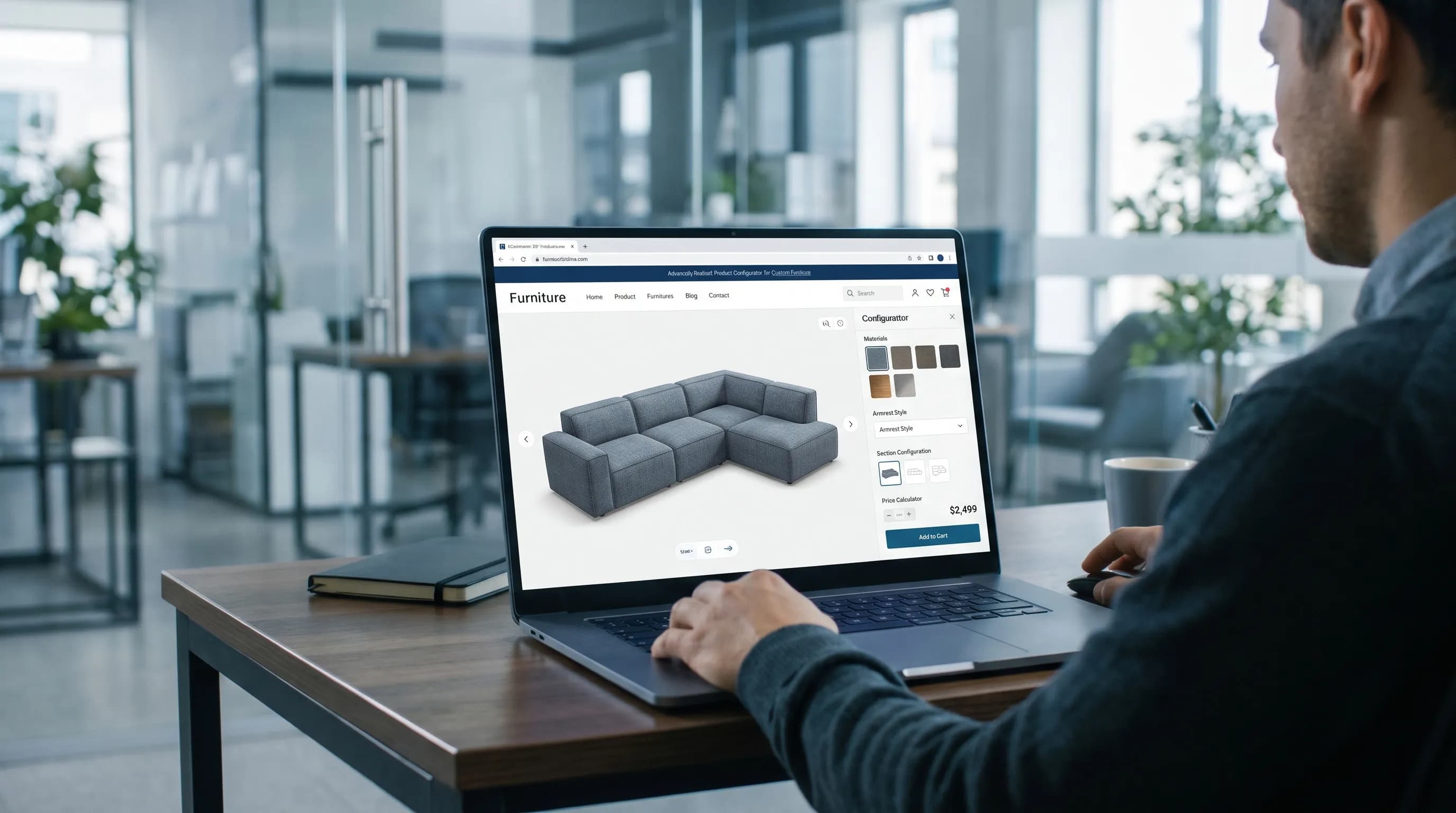
Person customizing a modular sofa on a furniture store website, with material, armrest and section options, a price and an Add to Cart button
  1. 01

    Select a product

    The shopper opens a configurable item from the store's catalog and chooses an available starting design.

  2. 02

    Make customization choices

    The interface presents relevant options in sequence, allowing the shopper to build the preferred product combination.

  3. 03

    Inspect the result

    The shopper examines the configured product in the interactive viewer and makes any final adjustments.

  4. 04

    Confirm the details

    The shopper reviews the selected specifications, applicable price, and required information before proceeding.

  5. 05

    Proceed to checkout

    The store receives the supported configuration data and continues through its existing cart and checkout process.

Product applications

eCommerce products you can customize in 3D

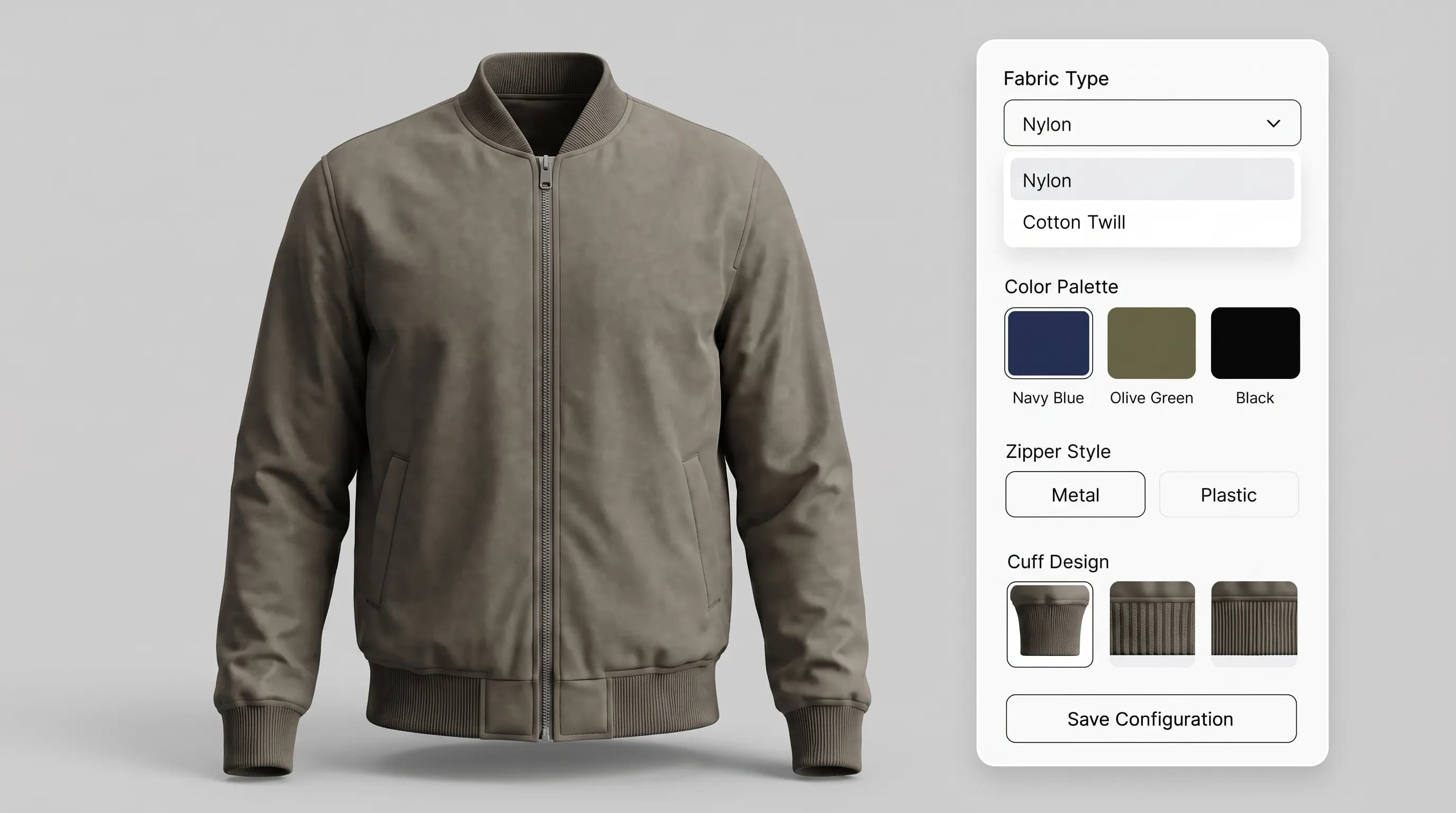
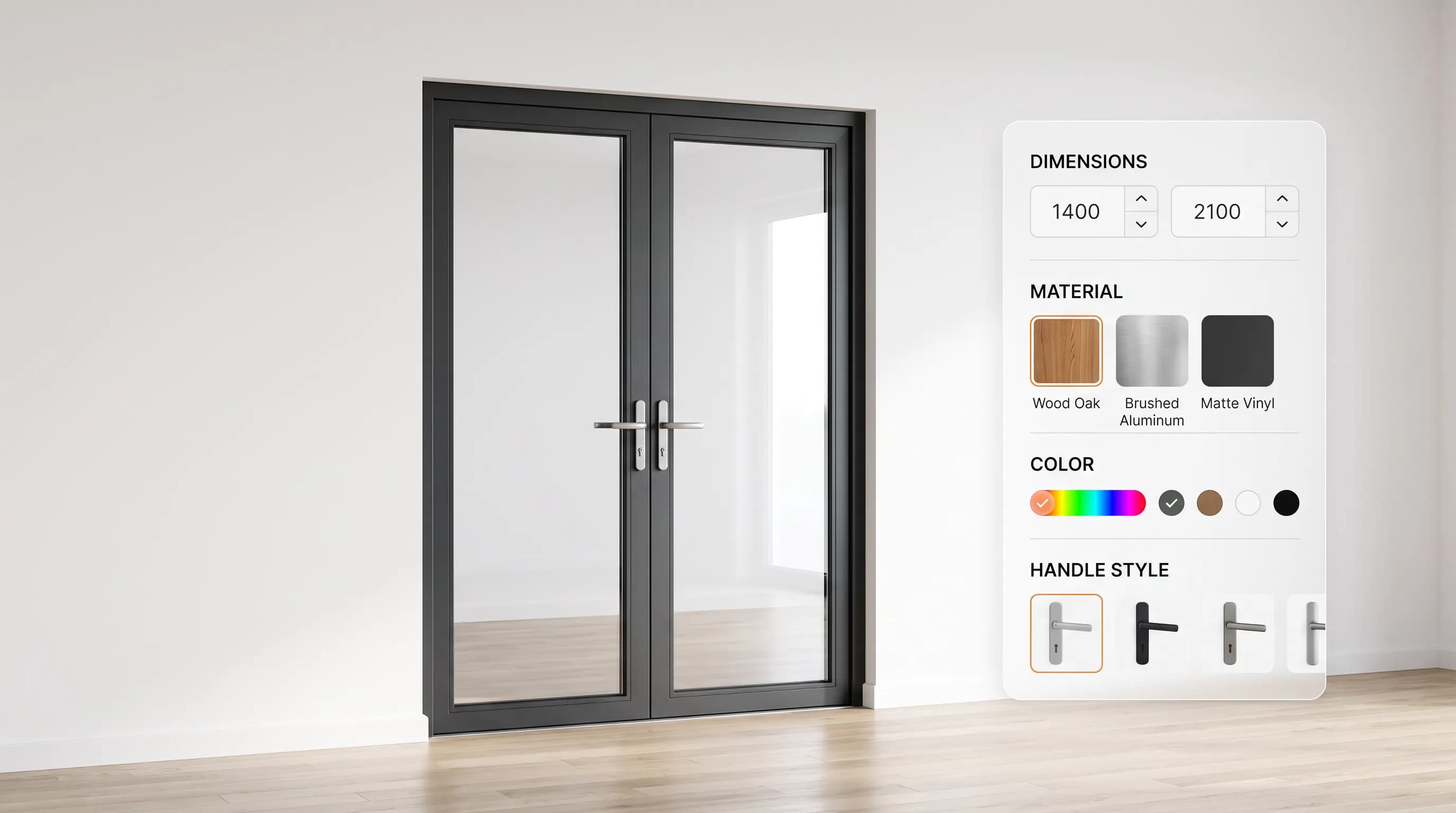
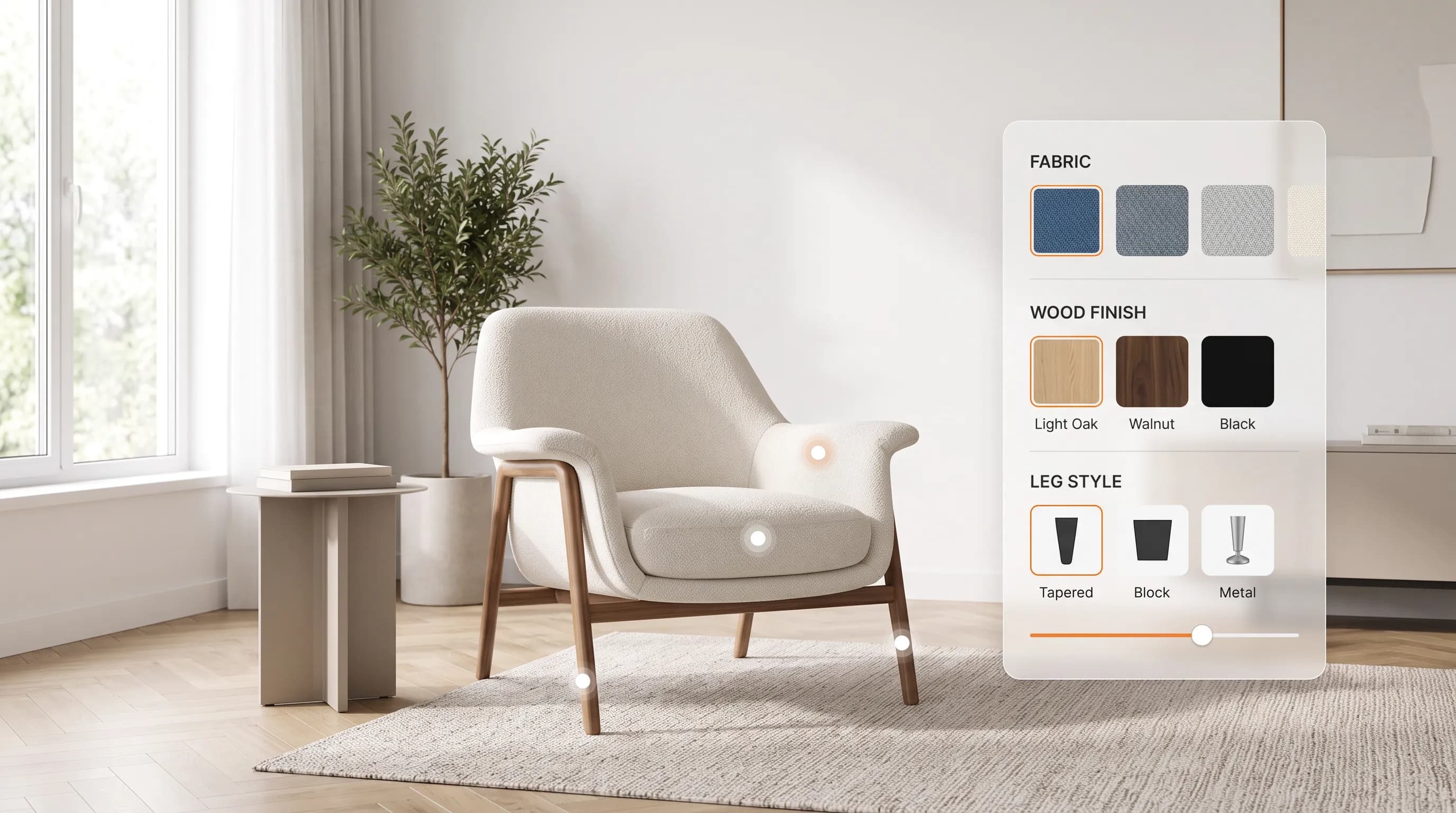
Different products require different customization controls. HexaCoder develops 3D configuration experiences around the options that matter for each product category.

Custom development and integrations

Integrate a 3D product configurator with your online store

A custom configurator needs reliable connections with the systems responsible for product information, pricing, and order processing. HexaCoder develops integrations around the architecture and requirements of your business.

  1. 01

    Shopify integration

    Connect configuration data with supported Shopify products and purchasing workflows. Implementation can account for the store's product structure, cart requirements, and available extension capabilities.

  2. 02

    WooCommerce integration

    Develop configuration experiences for WooCommerce websites and map selected product specifications to the information needed during checkout and order management.

  3. 03

    Adobe Commerce integration

    Integrate with Adobe Commerce product catalogs and supported commerce services, including environments that require custom pricing or complex product data.

  4. 04

    Custom and headless commerce integration

    Use APIs to connect a configurator with custom storefronts and headless commerce systems without requiring a complete replacement of the existing website.

  5. 05

    PIM and product catalog integration

    Retrieve relevant product attributes, option definitions, and catalog updates from connected product information systems, reducing the need to maintain separate copies of the same data.

  6. 06

    ERP and order management integration

    Transfer approved configuration details to supported business systems so downstream teams receive the information required for order handling and fulfillment.

Business benefits

Business benefits of a 3D product configurator for eCommerce

A well-designed configuration experience can improve how customers evaluate products and how businesses handle customized orders. The results depend on the product, implementation, and existing shopping process.

FAQs

Frequently asked questions

Start growing your business