Hexacoder Technologies

Can

Bring packaging designs to life before production with a 3D can configurator

Help beverage and packaging brands visualize how their cans will look before manufacturing. HexaCoder builds interactive 3D experiences for exploring can sizes, label artwork, colors, and finishes, with configuration rules and pricing built in.

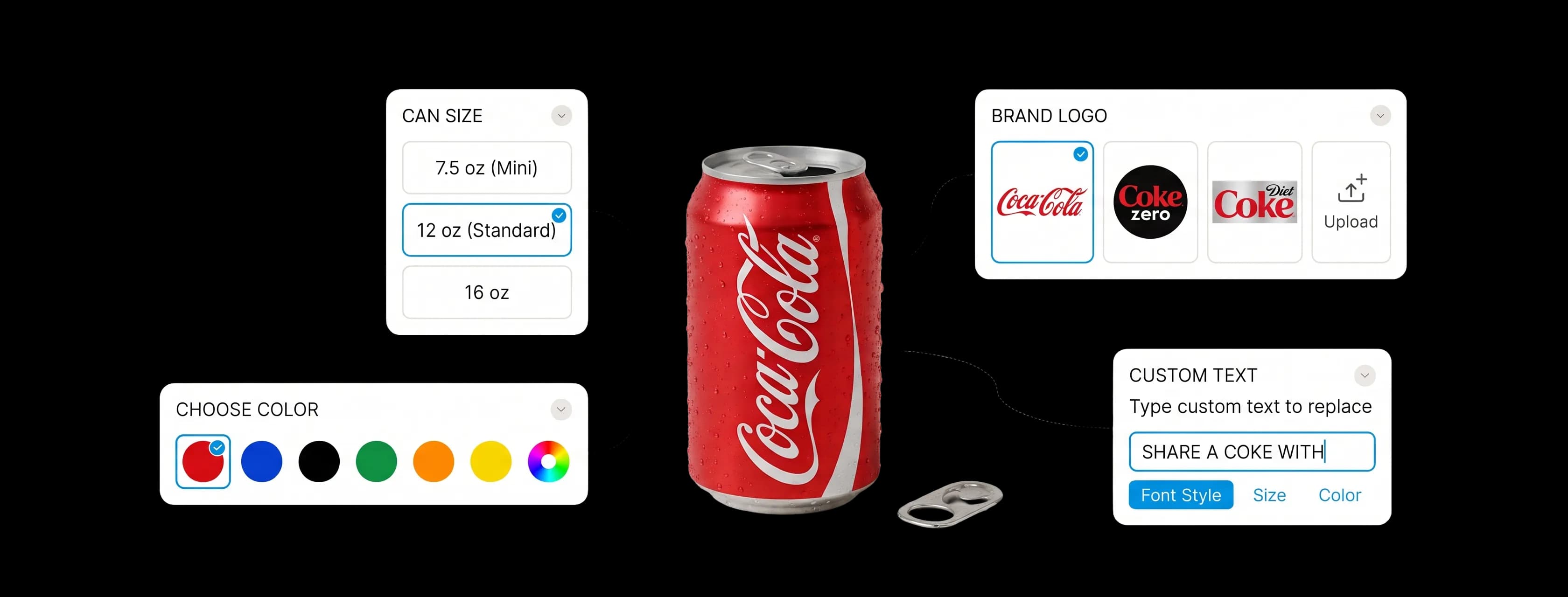
Red aluminum can configurator with can size, brand logo, color, and custom text options

Can customization options

Every can carries a brand.
Let customers shape its appearance.

From beverage cans to specialty metal packaging, each product has different design requirements. We develop interactive can customization experiences around your available formats, printing options, and decorative finishes.

Why interactive 3D matters

A flat label can't show
the complete can design.

Imagine a beverage brand creating a new can with illustrated artwork and a metallic finish. The design looks right on a flat layout, but the team wants to see how it wraps around the container.Flat artwork previews don't fully show how graphics appear on curved surfaces or across different can formats.A 3D can configurator brings supported artwork, colors, and finishes together in one interactive preview.

The problem

With traditional can presentations

  • Flat artwork lacks the finished container context.
  • Customers must imagine how graphics wrap around cans.
  • Different can formats require separate mockups.
  • Material and finish comparisons take extra effort.
The solution

With interactive 3D visualization

  • Preview artwork directly on the selected can.
  • Rotate the container to inspect every side.
  • Compare supported formats, colors, and finishes.
  • See selected design details together in real time.

How it works

From choosing a can to
creating branded packaging.

We develop an interactive can configurator with real-time preview around your available can formats, artwork requirements, and finishing options.

  1. Choose a can format

    Start with an available can shape, size, or product style.

  2. Add artwork and branding

    Apply supported graphics, logos, colors, and label designs.

  3. Explore in 3D

    Rotate the can and inspect artwork, materials, and finishes.

  4. Review and move forward

    Review selected specifications and proceed to pricing, quotation, or ordering.

Can configuration challenges

Every can design needs to work
with its printing process.

Certain printing methods depend on can materials and surface treatments. Label dimensions vary across container formats, while decorative finishes may have additional production restrictions.These requirements matter before a custom can order moves toward manufacturing.HexaCoder develops rule-based can design software around your defined production specifications.

  • 01

    Can format compatibility

    Manage supported sizes, shapes, and specifications for each product.

  • 02

    Printing restrictions

    Apply available print methods based on can materials and finishes.

  • 03

    Label and artwork requirements

    Control supported label dimensions, printable areas, and artwork placement.

  • 04

    Coating and finishing rules

    Manage available surface treatments, coatings, and decorative finishes.

Custom development and integrations

Built around your can formats
and packaging production workflows.

A beverage packaging supplier may prioritize artwork and printing finishes, while a specialty can manufacturer may need more detailed structural and material options.HexaCoder develops 3D can configurators for packaging manufacturers around these different requirements.

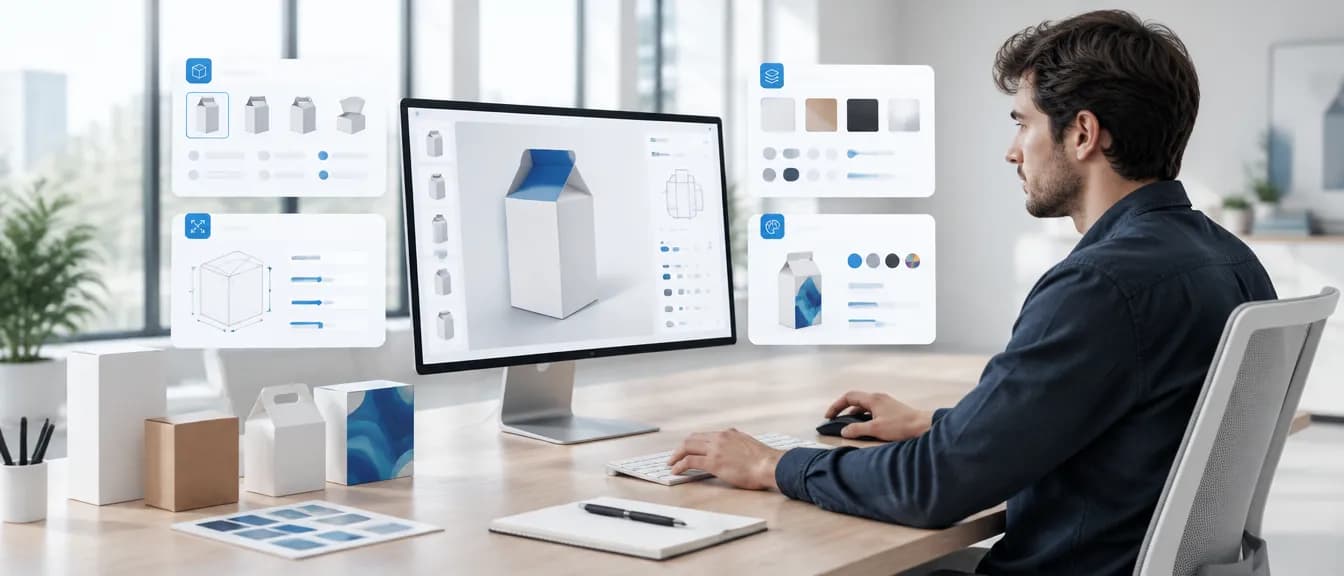
Man working at a desk with a packaging configurator on his monitor, surrounded by panels for box styles, dimensions, materials, and colors, with sample boxes and color swatches on the desk
  • Custom 3D configuration interface

    Create a branded packaging can configurator around your products and buying journey.

  • Real-time can visualization

    Preview supported can formats, artwork, colors, labels, and finishes in interactive 3D.

  • Artwork and product rules

    Connect can label customization software with printable areas and production restrictions.

  • Visual CPQ and dynamic pricing

    Calculate prices using defined rules for formats, printing, finishes, and quantities.

  • Website and eCommerce integration

    Connect online can design experiences with relevant product pages and sales workflows.

  • Prepress and production data

    Capture selected specifications, artwork references, and printing details for connected manufacturing workflows.

Ready to make your can packaging interactive?

Tell us about your can formats, artwork requirements, printing methods, and finishes. We'll discuss a 3D can configurator tailored to your packaging catalog and production workflows.

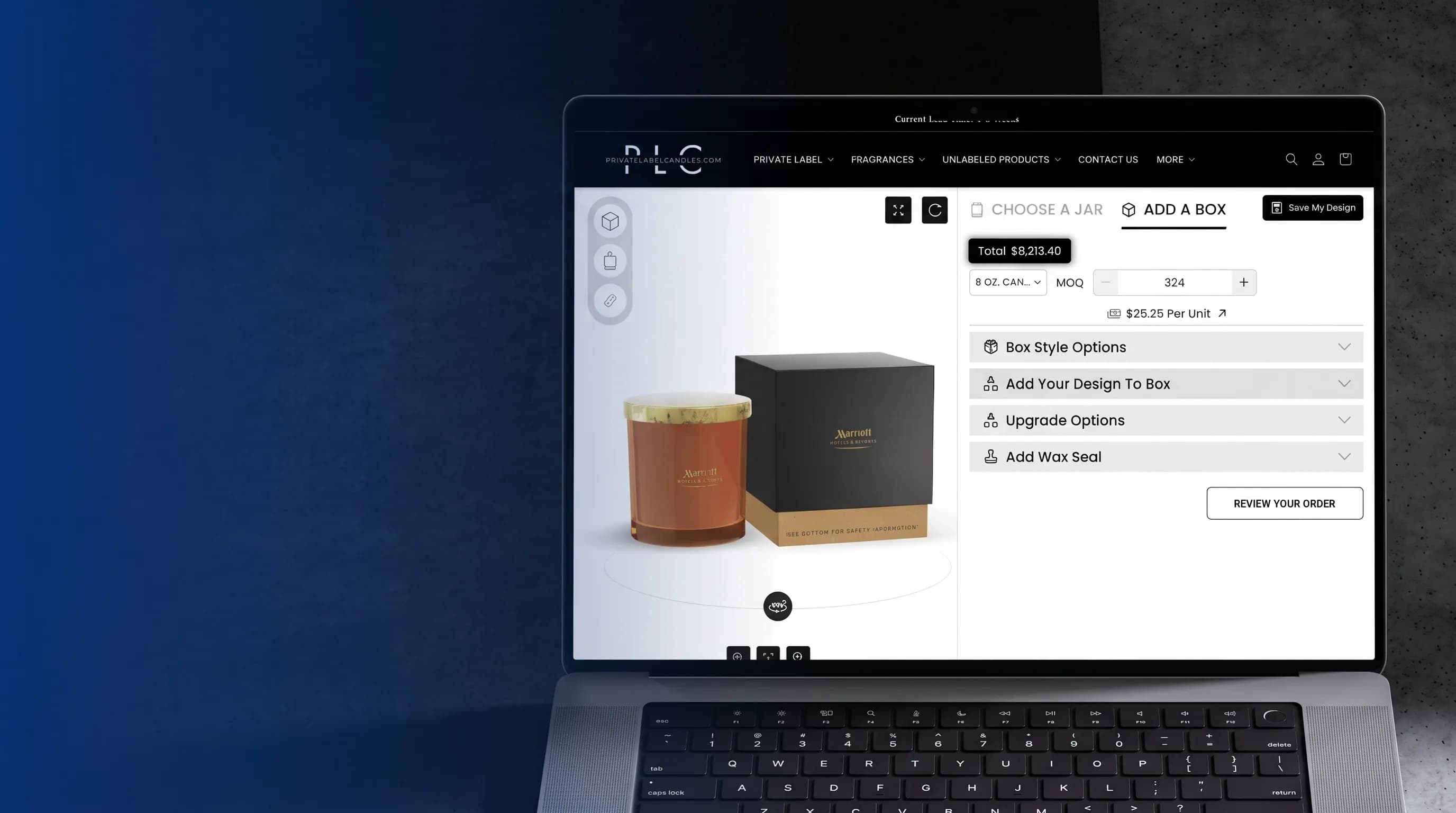
Laptop showing PLC's 3D candle configurator with an amber candle jar, a black gift box, and box style and design options

FAQs

Frequently asked questions

Start growing your business